Your data talks — ark.plan translates.
Overview, heatmap, funnel, trends — on one page.
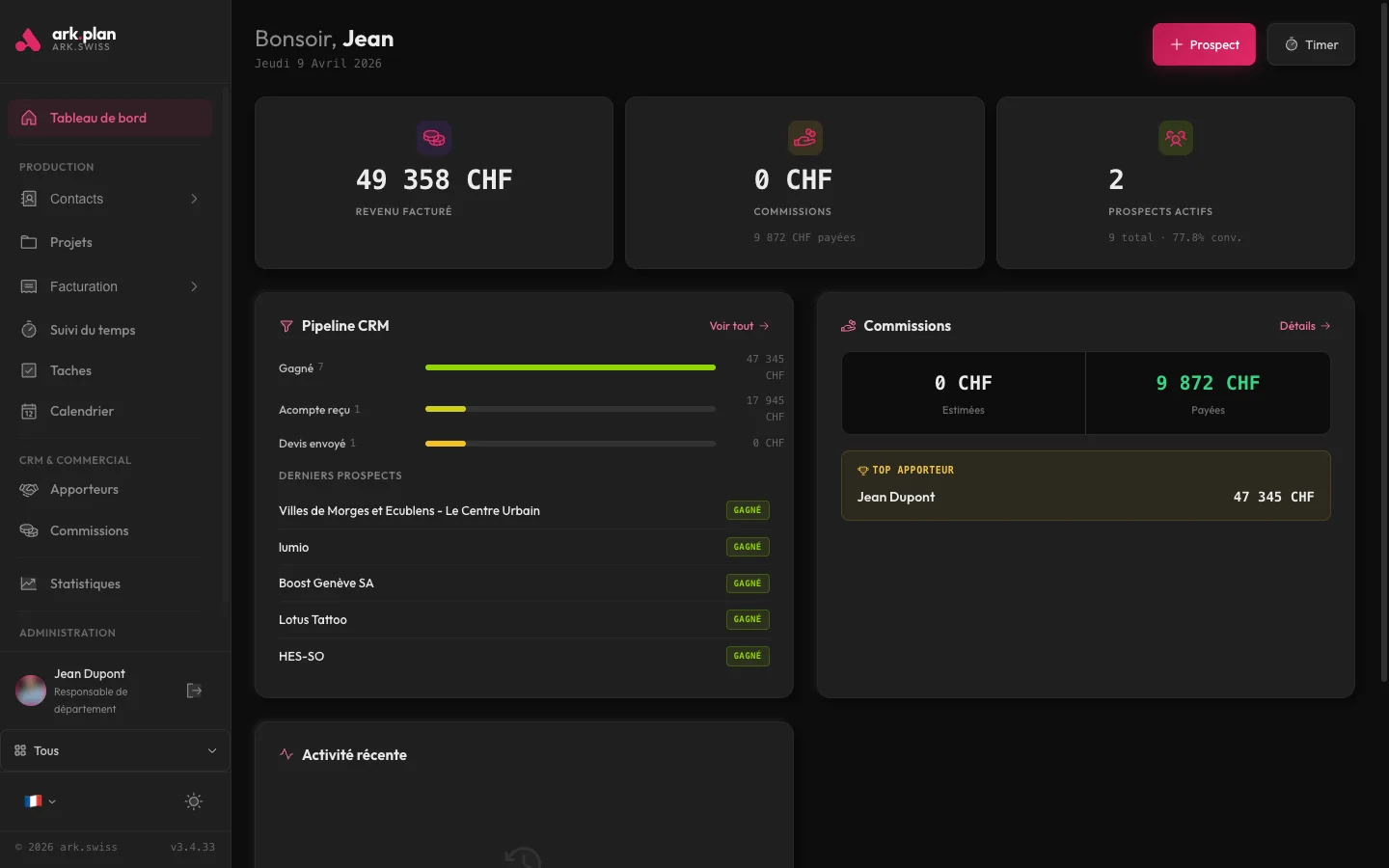
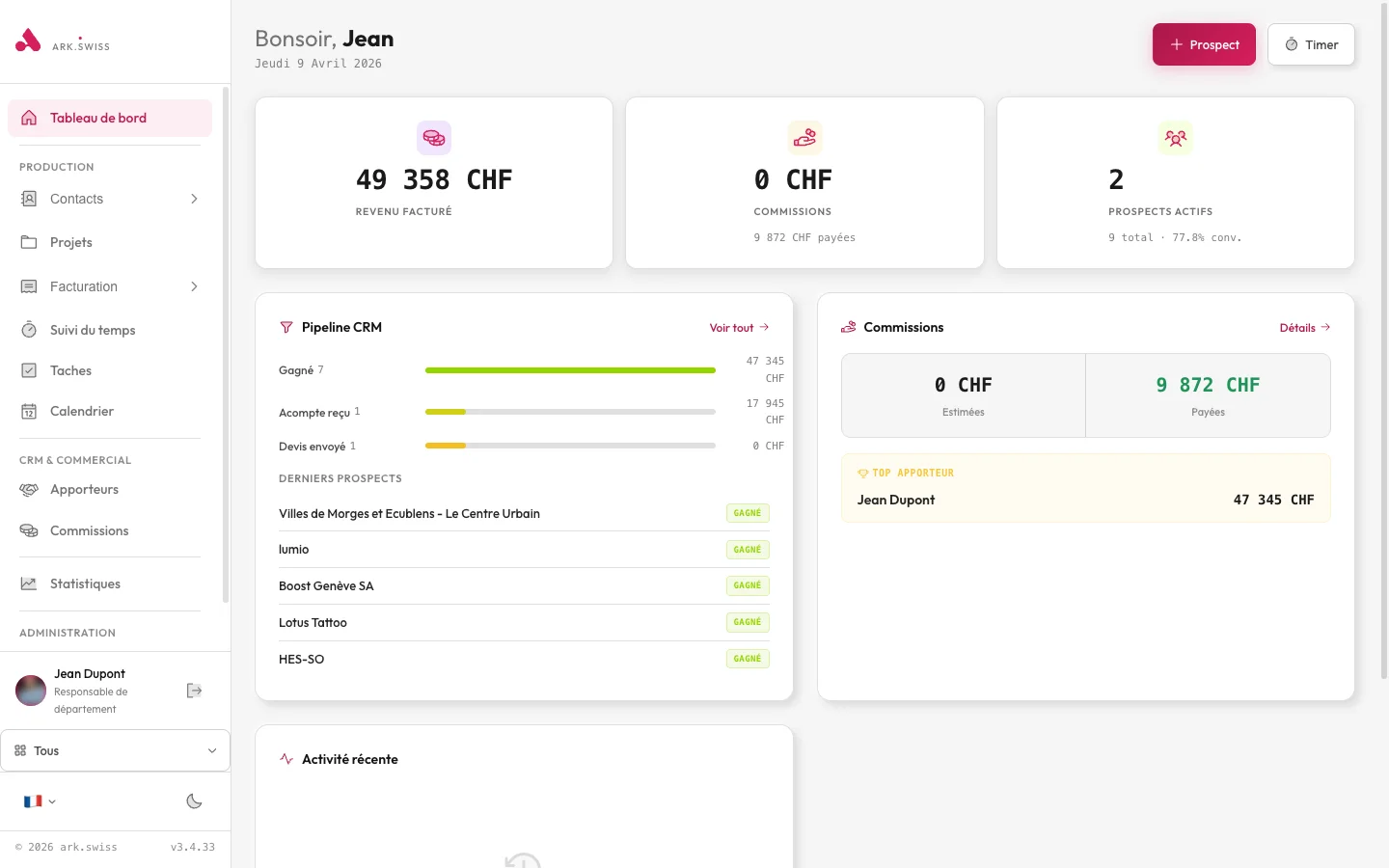
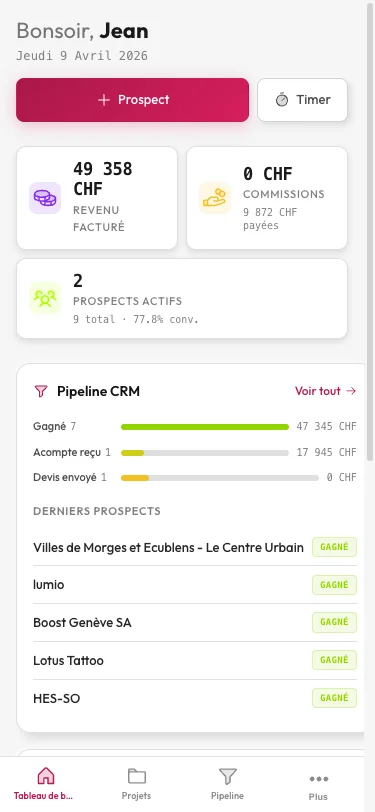
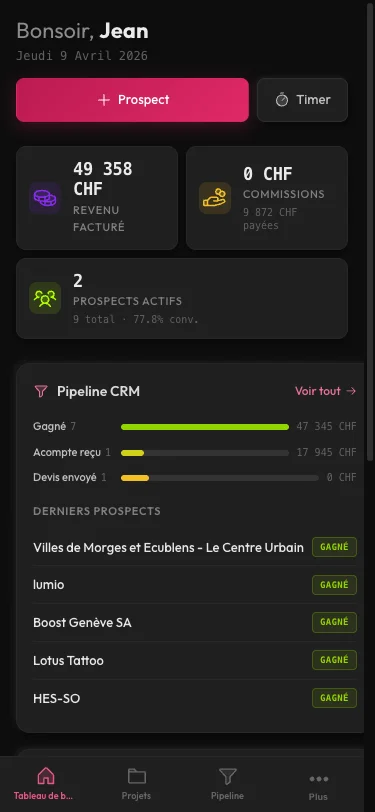
The statistics dashboard aggregates: month vs previous month appointments, total prospects, CRM conversion rate, hours tracked, monthly revenue. Heatmap of appointment distribution by day of week and time slot. Visual CRM funnel with stage-to-stage conversion rates. Sparklines (mini-graphs) for each metric. Period comparison (this month vs previous vs same month last year).
- Core KPIs: appointments, prospects, conversion, revenue, hours
- Appointments heatmap day × hour
- CRM funnel with per-stage conversion rate
- Period comparison and sparklines
Insights generated automatically on your data.
In one click, ark.plan analyzes your metrics and produces textual insights: detected trends, anomalies to investigate, cohorts behaving differently, cross-module correlations. No tables to interpret — a natural language readout telling you what deserves your attention.
- On-demand AI insights generation
- Anomaly alerts: overdue invoices, forgotten appointments, budget overruns
- Cross-module analysis (CRM × invoicing × time)
- Scheduled reports emailed (cron)
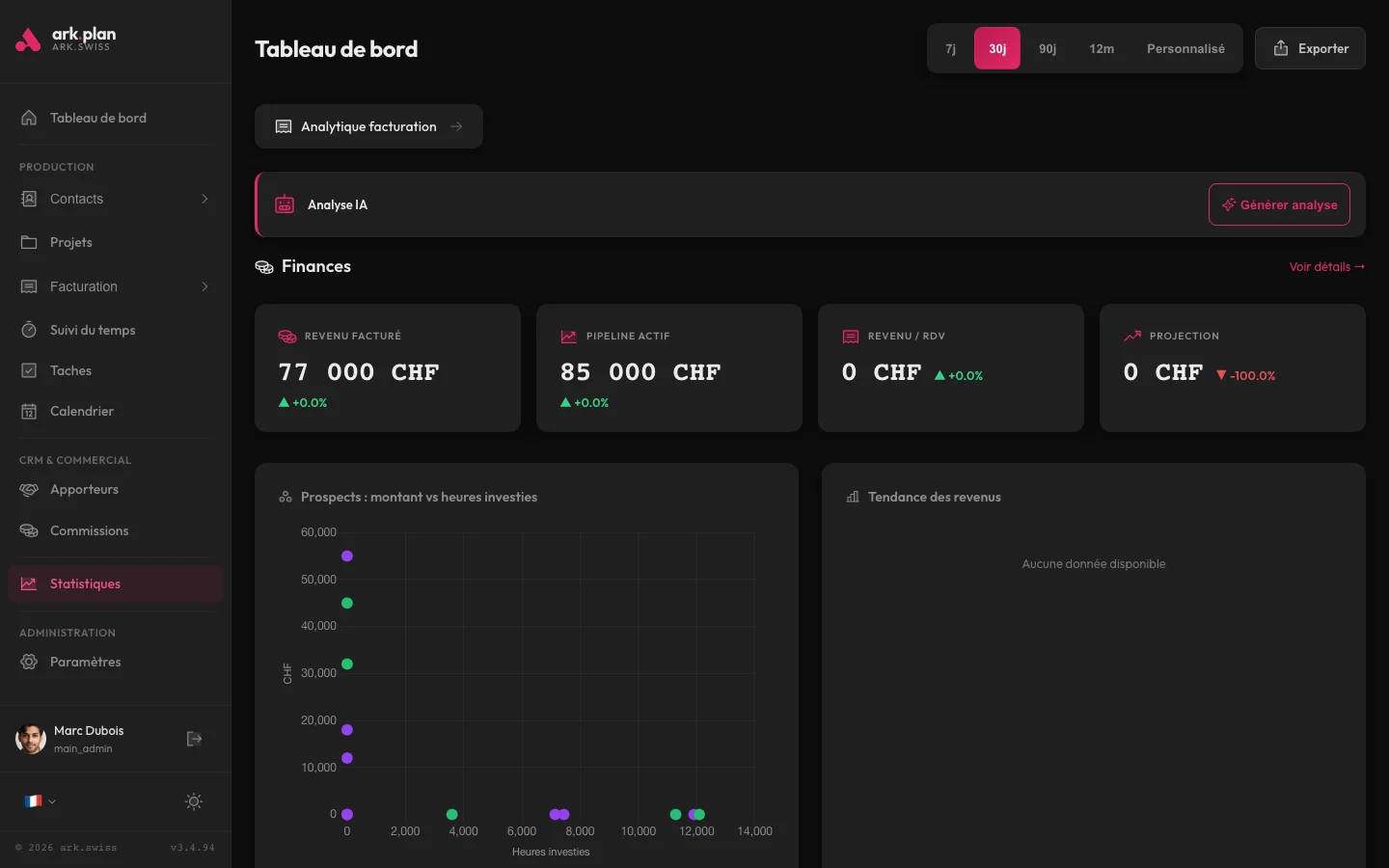
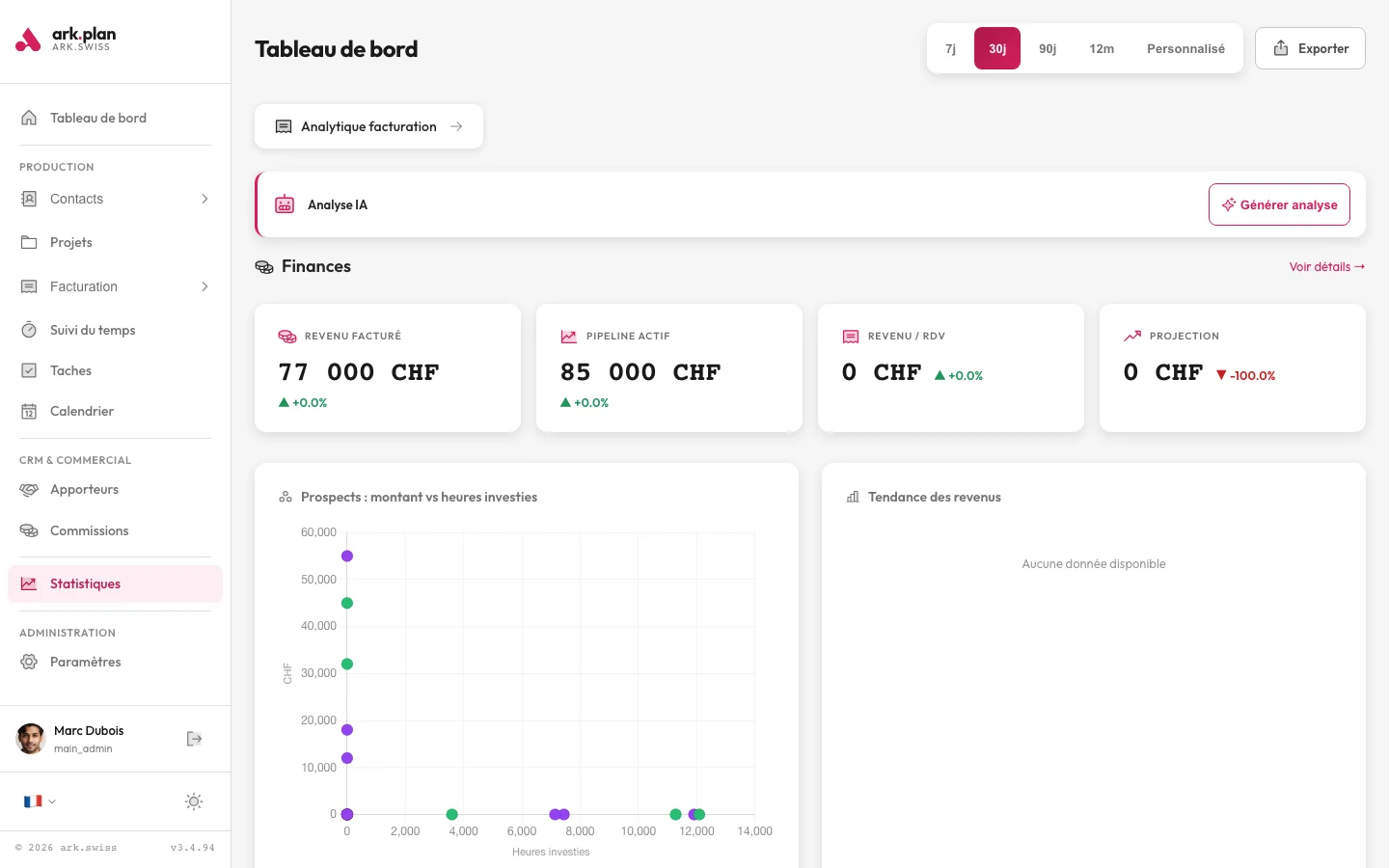
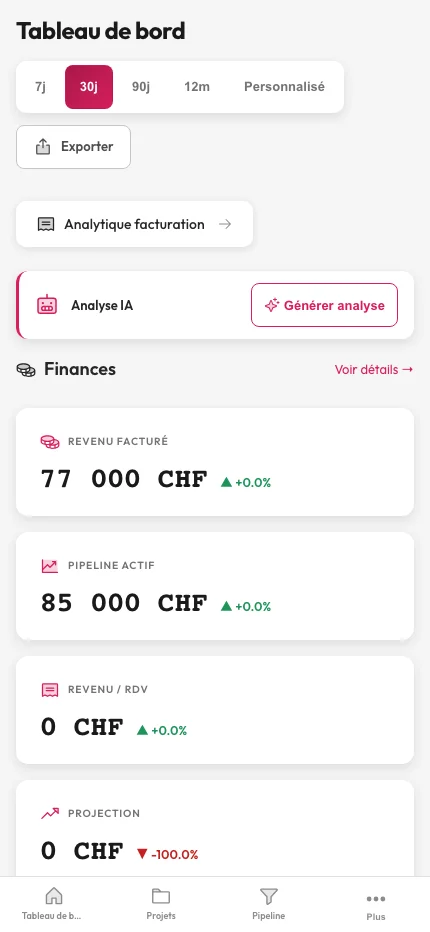
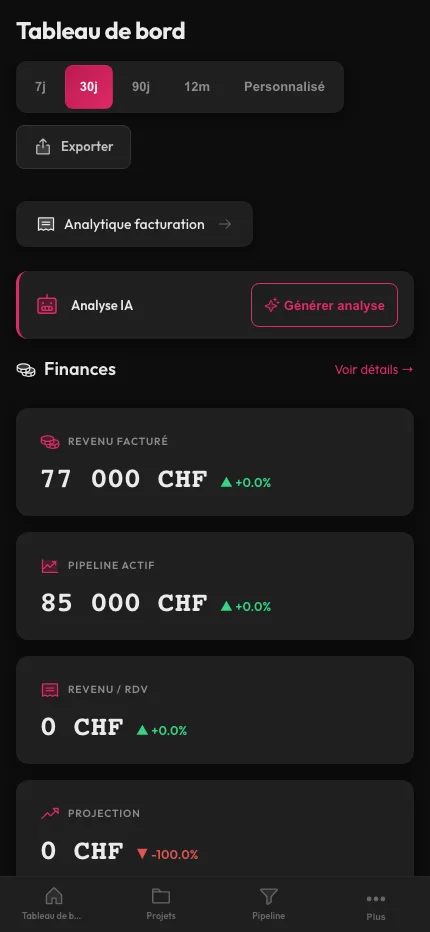
Revenue, payment delays, client cohorts.
Dedicated finance view: revenue by period, outstanding and overdue invoices, average payment delay per client, average client value, estimated churn rate. Cohort analysis to see how clients acquired at time T behave over time. CSV export of all metrics.
- Revenue by period, outstanding and overdue invoices
- Average client value and estimated churn
- Cohort analysis
- CSV export of all metrics
// Scope by quote
Statistics
The scope is defined around the selected functions, your organisation and the required connections.
- Selected functions
- Organisation and roles
- Data migration and connections
Frequently asked questions
2 frequently asked questions. Can’t find an answer? Write to us — we reply within 24 h.
What is the difference between basic and advanced Statistics?
The dashboard groups KPIs, the heatmap, funnel, trends, revenue by period and key clients. The quote specifies the selected advanced analyses, such as conversion, profitability, cohorts or scheduled reports.Can I export raw data?
Yes. All metrics can be exported as CSV for use in your analytics tool of choice (Tableau, Metabase, Excel, Looker Studio).
Ready to review your needs?
Describe your workflows, data to migrate and useful modules. We then prepare your quote.
- §01/03Needs selected
- §02/03Context specified
- §03/03Contact arranged