CRM and projects
Follow each contact from first enquiry onwards.
Find contacts, their activity history and related projects in one record.
Video transcript
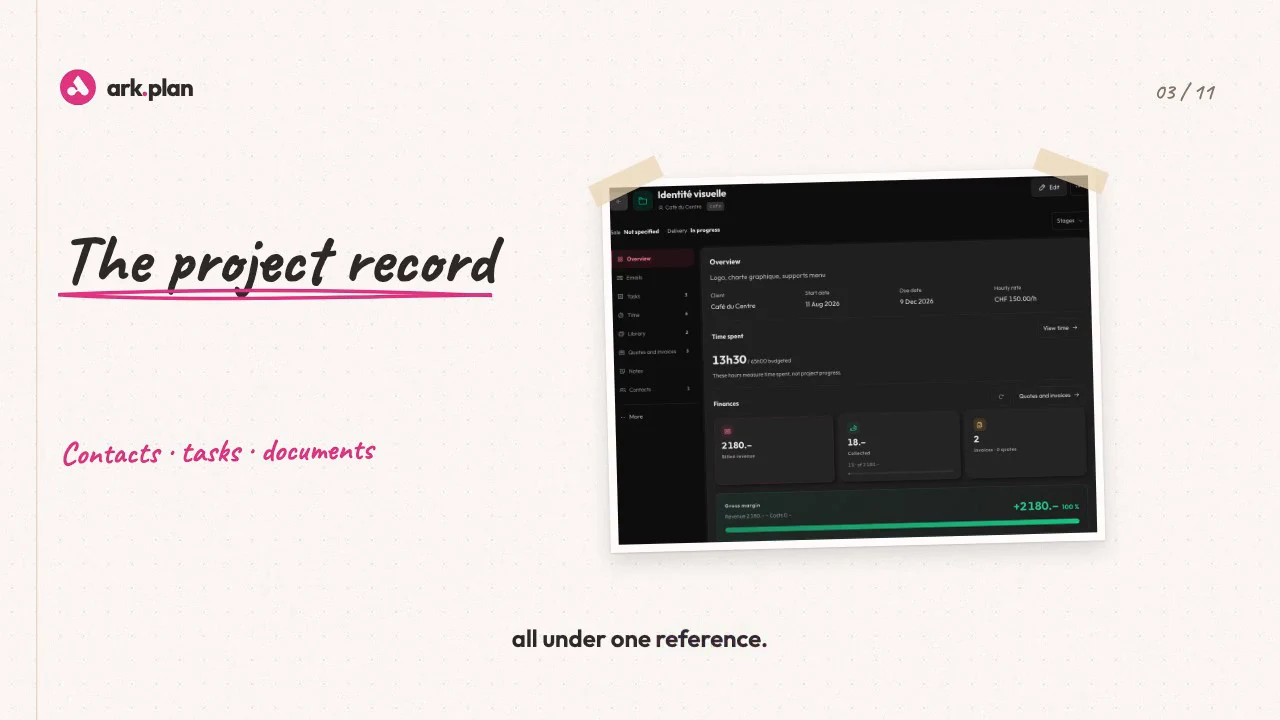
A lead, emails, quotes, hours, notes. Usually, that’s five tools. In ark.plan, everything starts with a project. From first contact to delivery, it moves step by step, and every change is logged. Quotes, invoices, hours, tasks, files and emails, all under one reference. Emails come in, and AI files them under the right project. It also spots the tasks inside, with due dates. You approve. Need to reply? AI drafts it from your past exchanges and project data, in the tone you use with this client. You review, you send. After a meeting, jot down the essentials. AI suggests the next step: a task, or a meeting in your calendar, invite included. Need an overview? A summary in one click. Or ask a question: the answer draws on the project’s emails, notes and invoices. And at any time, you know if the project pays off: invoiced, collected, costs, margin, and each phase’s budget. Two duplicate projects? Merge them. And if that was a mistake, just undo. With Invoicing, Time tracking or Tasks, every project record gets richer still. ark.plan, CRM and projects. Every client, one file.
Find the activity linked to each contact in one timeline.
The Activity tab gathers tasks and events linked to the contact, with their status and context.
- Tasks and events linked to the contact
- Status and date visible in the timeline
- Navigation across overview, activity and commercial tracking
- Direct access to edit or archive the contact
CRM and projects
200 MB of storage. Unlimited users, AI included. Prices excl. tax. Also included in Pro and Business.
CHF 29/monthor CHF 290 a year
Choose my modulesTry it with your next client.
Choose a module or a bundle, then invite your team.