For freelancers and service SMEs
Keep the customer story from booking to invoice.
Calendar, client files, hours and invoices in one application. You only switch on the modules you need.
7-day trial without a card. Unlimited users and AI included, from CHF 5 a month per module.
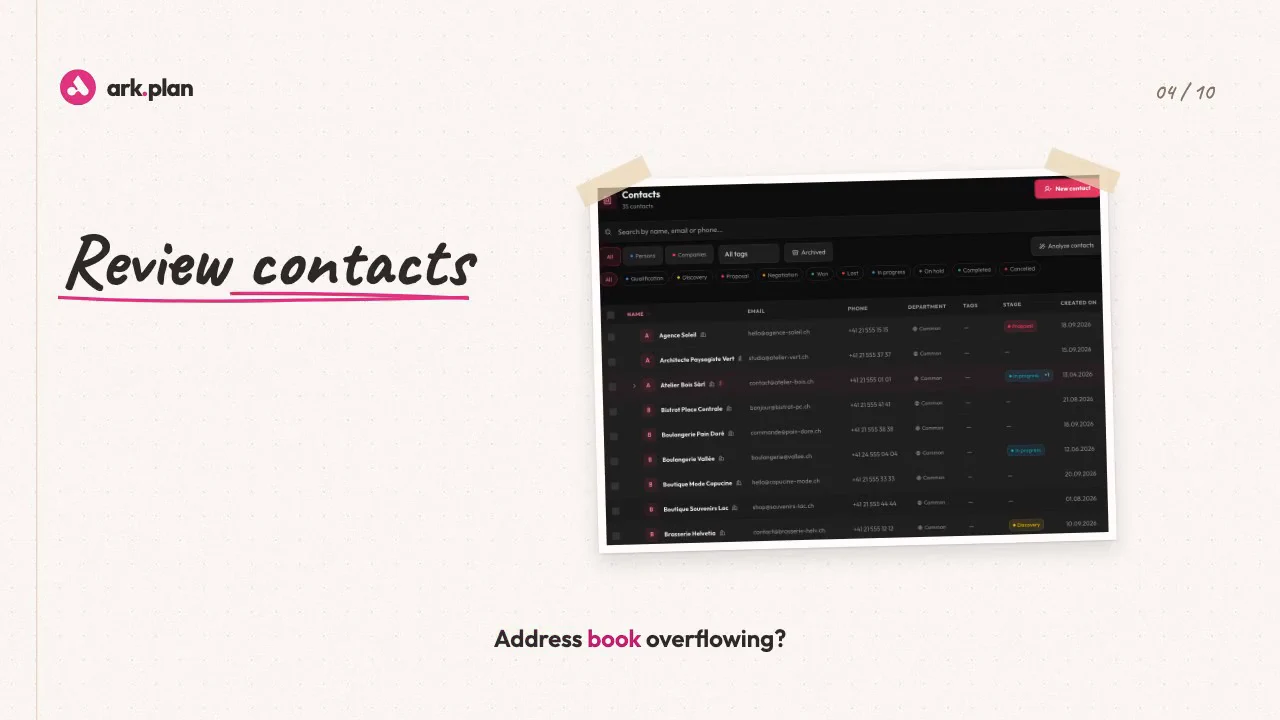
Follow one job, from the first message to the complete file.
A client books a meeting. The file takes shape, the quote gets signed, the hours become an invoice and every file is a few words away.
Before:
Five emails to set up one meeting.The client books on their own.
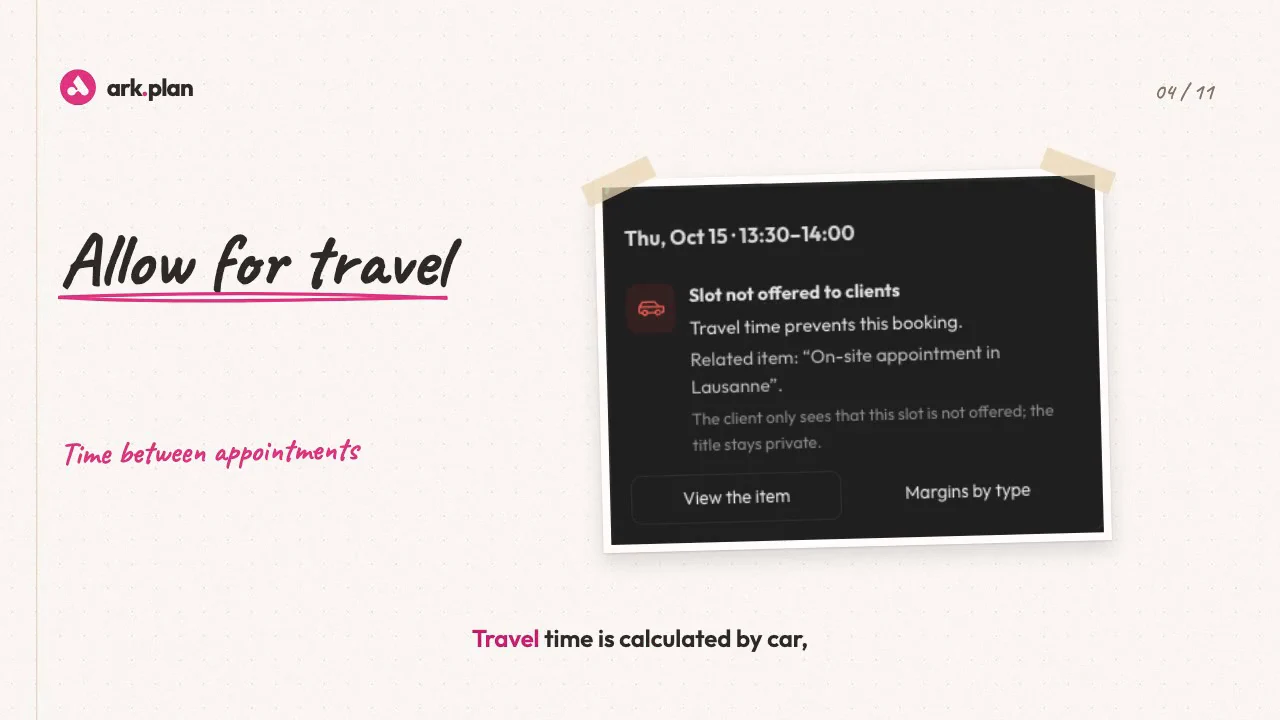
You share a link. Offered slots respect your hours, your travel time and Google Calendar.
Before:
Emails, notes and quotes spread over five tools.Every exchange joins the file.
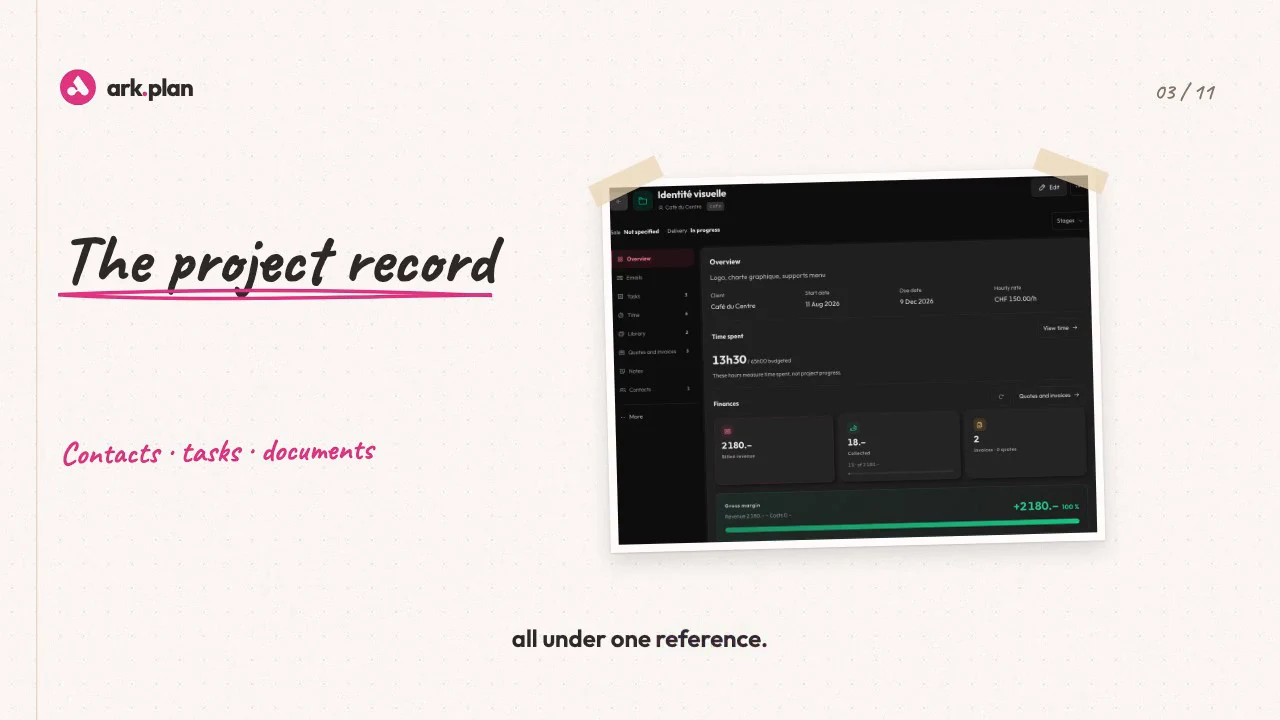
Emails, notes, quotes and files share one reference. AI drafts the reply; you review and send.
Before:
A quote to print, sign and send back.The quote is signed online.
Your client signs with a finger and gets the signed PDF. The accepted quote prepares the deposit, then the QR invoice.
Before:
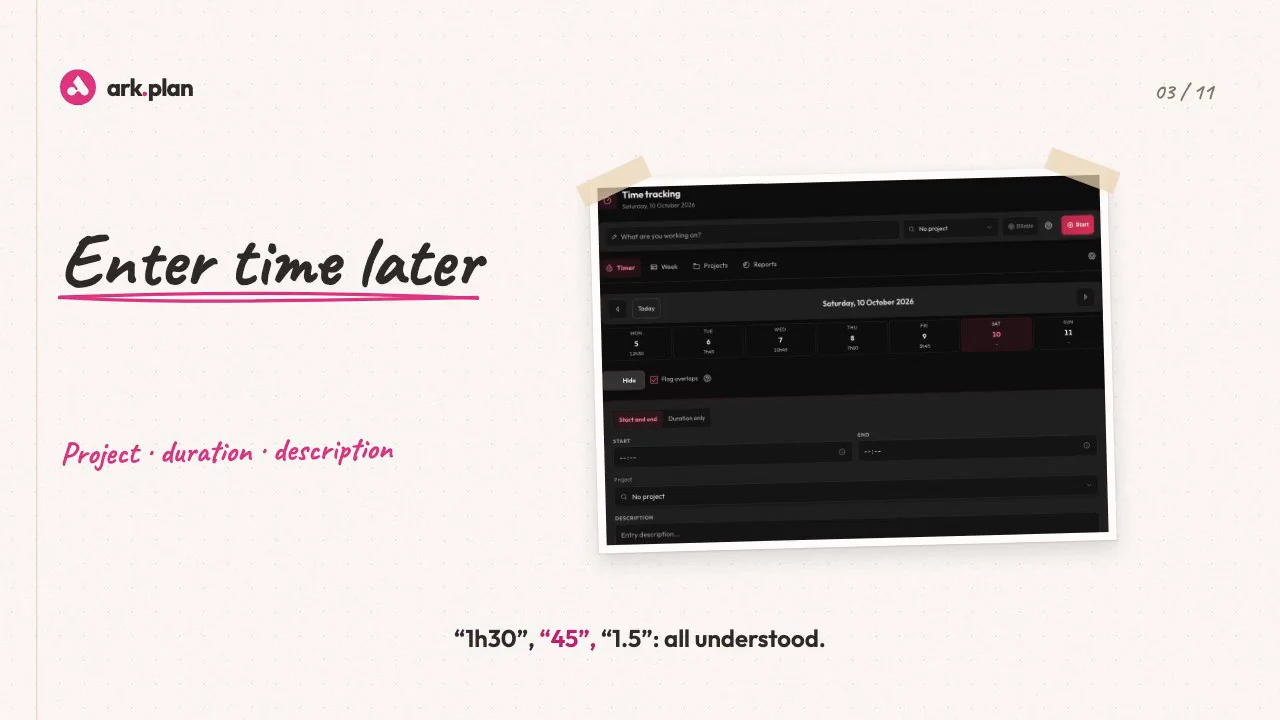
Friday evening: what did I do on Tuesday?Every hour finds its project.
One click starts the timer. Your GitHub commits become time entries ready to bill.
Before:
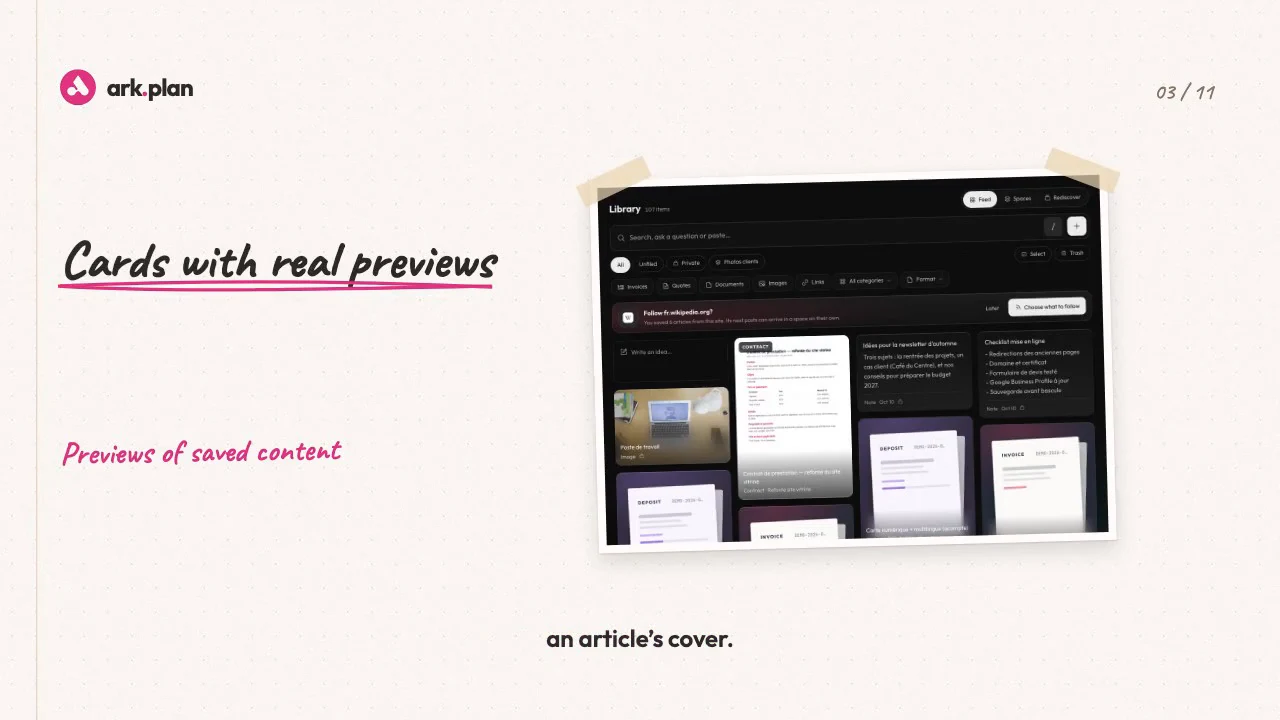
Links in your bookmarks, screenshots on your desktop, PDFs in your inbox.Nothing gets lost.
Links, images and PDFs join the Media library with their preview. To find one, type a sentence the way you think it.
Only need part of this journey? Take just those modules.Build my offer
Take only what you need.
Each module is available on its own, from CHF 5 a month. A bundle costs less than buying all its included modules separately.
Organisation
Team
Clients and sales
fromCHF 5/month per module
À la carte
200 MB of storage per module. Unlimited users and AI included.
CHF 29/month
Starter
4 modules and 1 GB of shared storage, instead of CHF 33 module by module.
CHF 59/month
Pro
6 modules and 2.5 GB of shared storage, instead of CHF 67 module by module.
CHF 99/month
Business
All 9 modules, 5 GB of shared storage and our team, instead of CHF 139.
Prices in CHF, excluding tax. Annual billing: 12 months for 10.Compare plans in detail
Our story
Born from our own frustration
We used to run Odoo. Every year we paid the licence, spent hours on the upgrade, repaired our custom modules and even had to buy some of them again. None of them really fit the way we work. So we built ark.plan for ourselves: every module does exactly what we need, and AI steps in only where it truly saves time.

Your data stays under your control.
- Hosting
- Production in the European Union, continuity in Switzerland.
- Your choice of AI
- Sovereign and hosted in Switzerland, or more powerful. Its monthly budget is capped.
- Access
- Everyone only sees what they are allowed to open. Each department keeps its own details and bank account.
Going further
Adapt ark.plan to your trade
Fields, imports, automations or screens: we quote the adaptations with the Business bundle.
Explore custom developmentConnect ark.stock and ark.flow Compta
Billing requests from ark.stock arrive in ark.plan. Your invoices can go on to ark.flow Compta.
See the connectionsAn example from your trade
Before you start
What happens after the 7-day trial?
Add a payment method before the trial ends to continue. Otherwise the subscription stops and your data stays readable for 30 days in read-only mode.
Can I change bundle or switch off a module?
Yes, at any time. A module you switch off leaves the home screen, but its data is not deleted.
What does “AI included” mean?
Reasonable use, with no credits to buy. AI suggests, you decide. During the trial, its budget is halved.
Can I bring my current data?
Import your contacts from a CSV file and your Excel plans as tasks. Google Calendar, Odoo and GitHub connections are set up in the settings.
Try it with your next client.
Choose a module or a bundle, then invite your team.