A structured team, clear access, independent calendars.
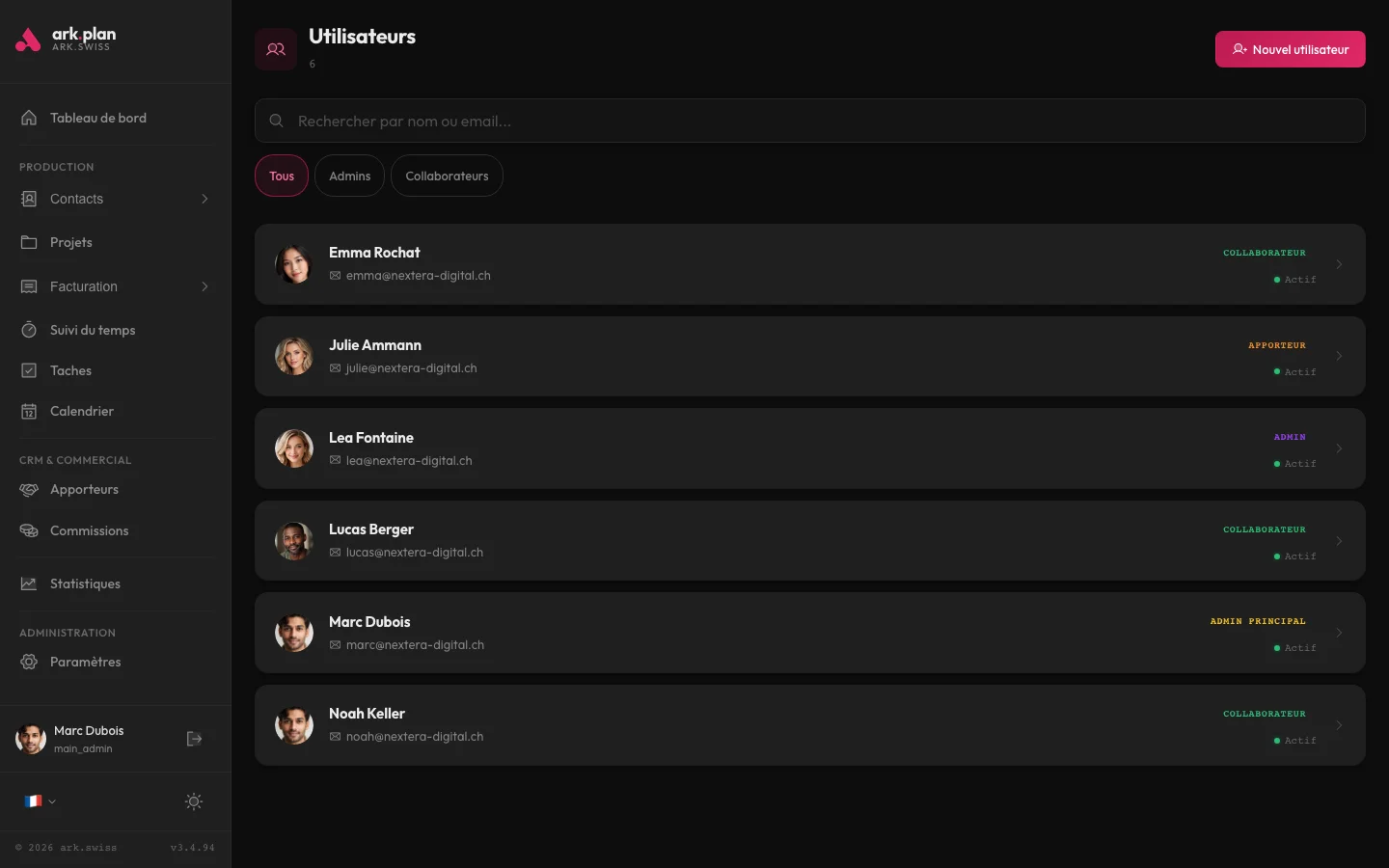
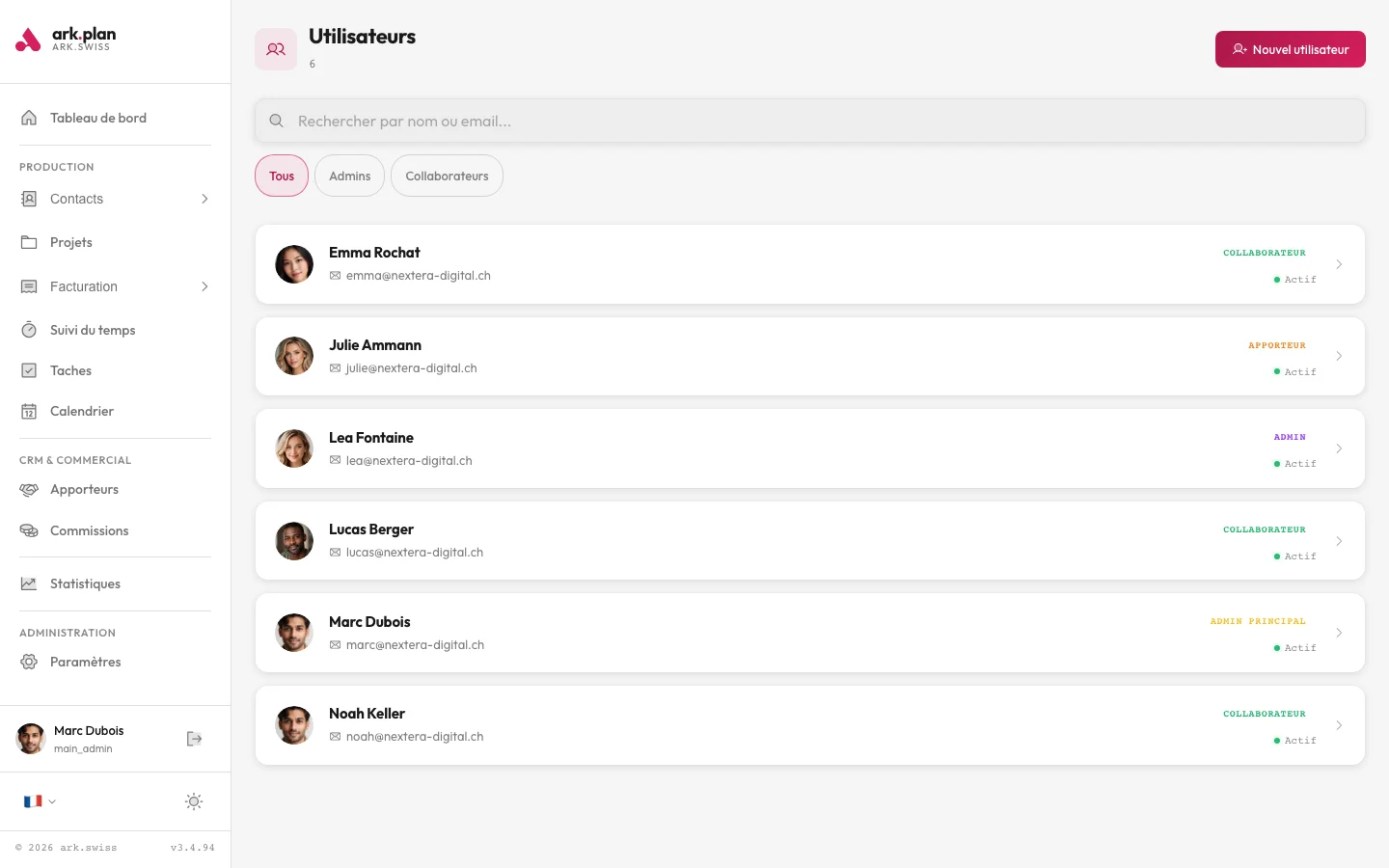
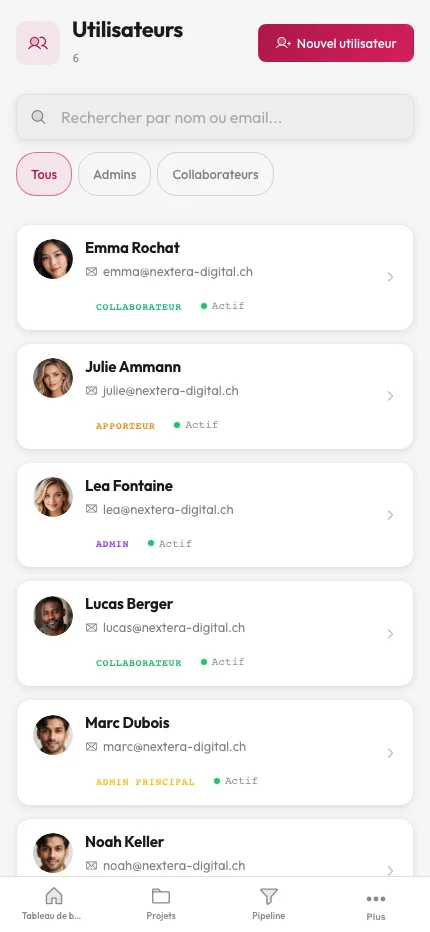
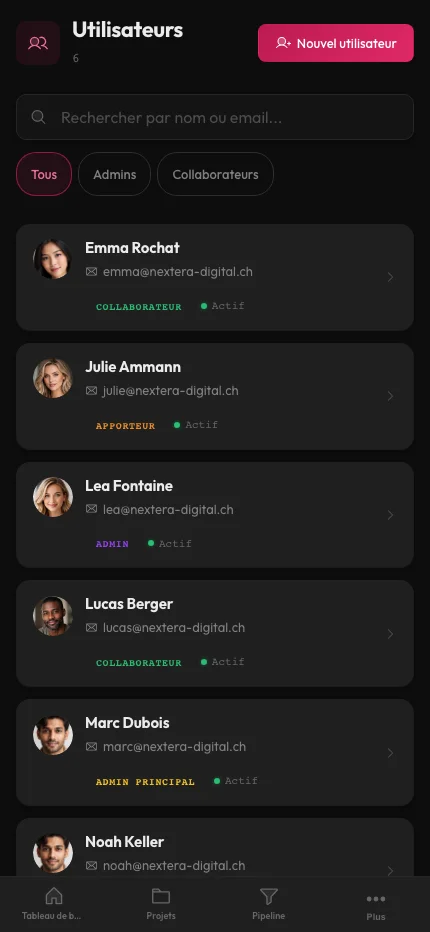
Add, edit and manage your team members.
Create accounts for each team member with name, email, phone and profile photo. Assign the admin role (full access) or practitioner role (limited to their own data). Admins see all activity, practitioners only see their own appointments, clients and statistics.
- Full CRUD: create, edit, deactivate accounts
- Profile photo upload (avatar)
- Two roles: administrator and practitioner
- Role-based access: practitioners only see their own data
Organize your structure into distinct departments.
Create as many departments as needed (consultation, therapy, coaching, etc.). Each department has its own members, appointment types and settings. The admin menu lets you switch between departments in one click.
- Department creation and configuration
- Quick department switching in the admin menu
- Each department has its own settings and members
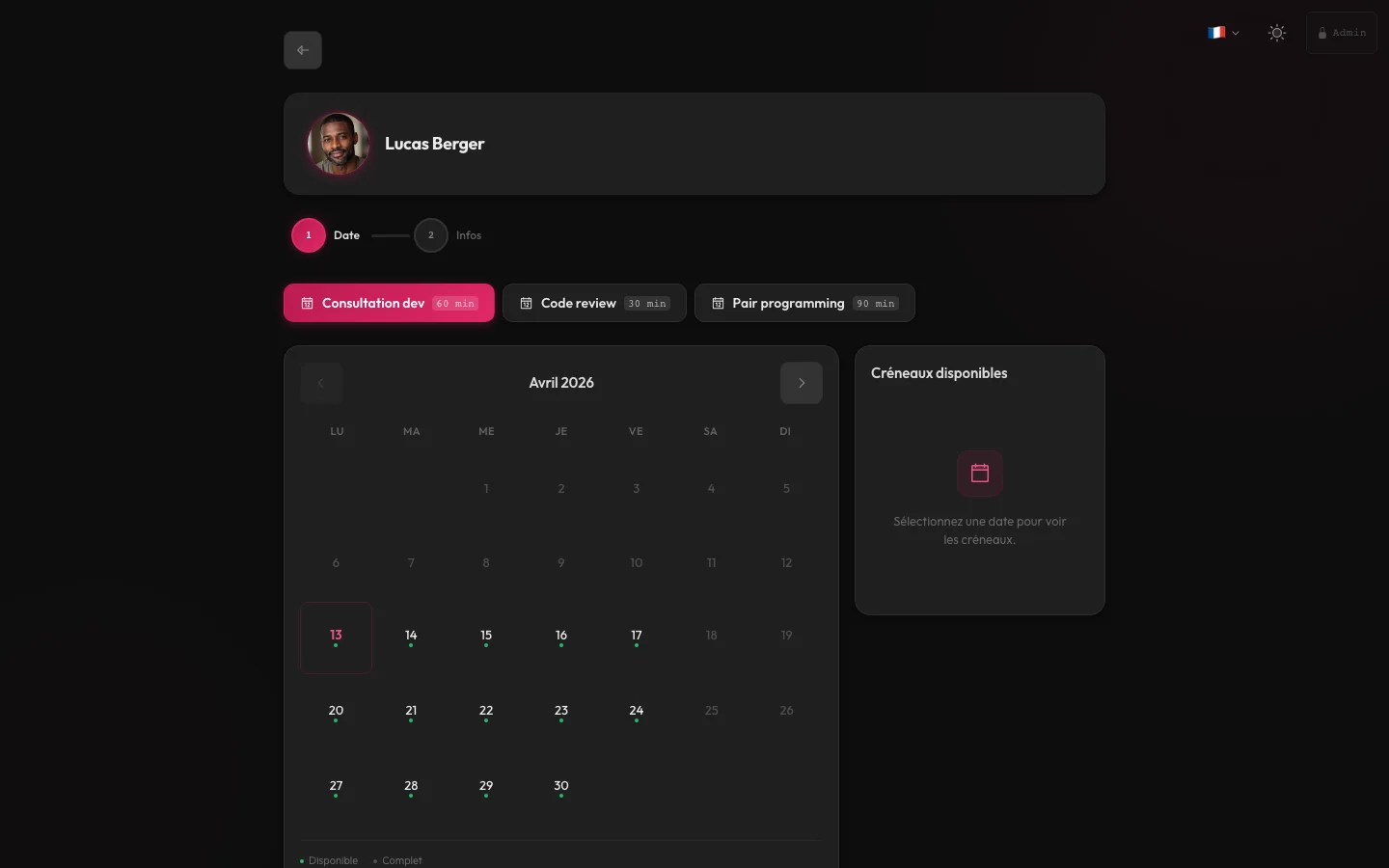
Each practitioner gets their own public booking URL.
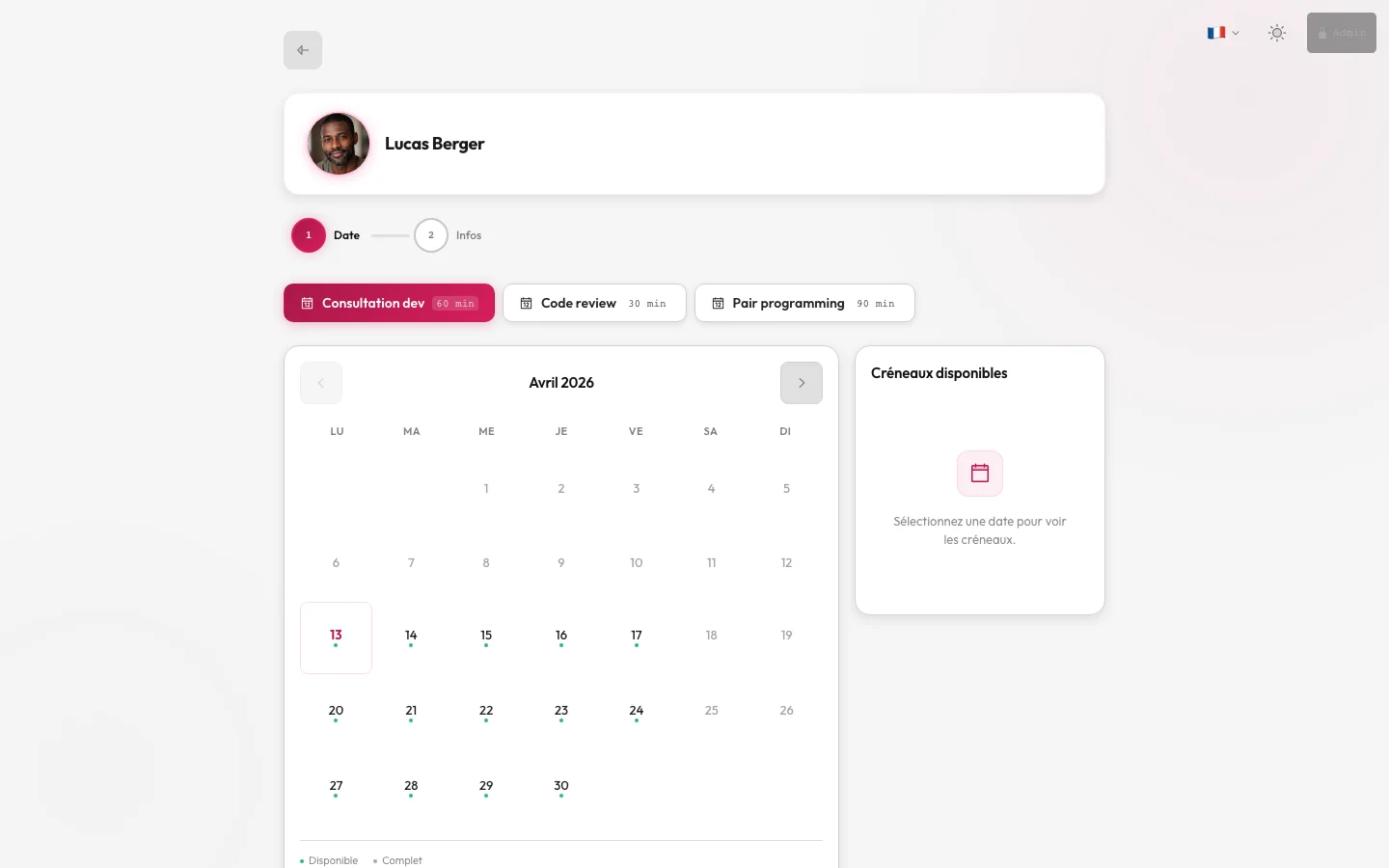
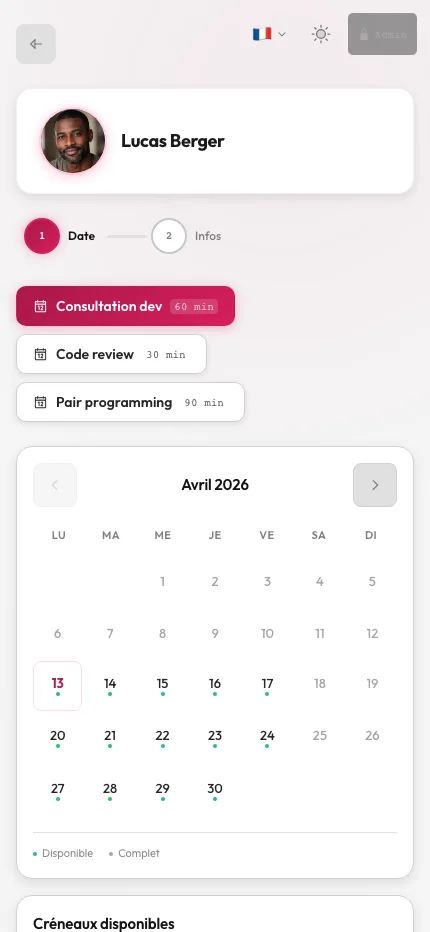
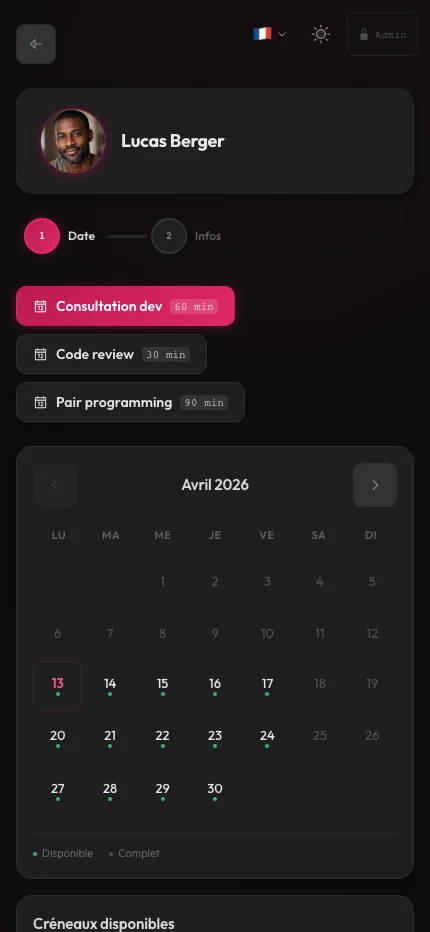
Each team member gets a booking page accessible via a personalized URL (e.g. arkplan.ch/lucas-berger). The practitioner sets their own weekly availability and exceptions. Clients choose the practitioner they want to see directly.
- Personalized public URL per practitioner (e.g. /lucas-berger)
- Individual availability per practitioner (weekly slots + exceptions)
- Clients book directly with their chosen practitioner
- Contact information and bio on the public page
// Scope by quote
Team
The scope is defined around the selected functions, your organisation and the required connections.
- Selected functions
- Organisation and roles
- Data migration and connections
Frequently asked questions
3 frequently asked questions. Can’t find an answer? Write to us — we reply within 24 h.
How many members can I add to my team?
The number of members is defined in the quote. Each member can be an administrator or practitioner, with their own availability and booking page.What is the difference between an admin and a practitioner?
The administrator has access to all data: all appointments, clients, invoices and settings. The practitioner only sees their own appointments, clients and personal statistics. It is a restricted access suited for team members who do not need to manage the structure.Can I create multiple departments?
Yes. You can create as many departments as needed (consultation, therapy, coaching, etc.). Each department operates independently with its own members, appointment types and settings. The admin interface allows switching between departments in one click.
Ready to review your needs?
Describe your workflows, data to migrate and useful modules. We then prepare your quote.
- §01/03Needs selected
- §02/03Context specified
- §03/03Contact arranged