Swiss-made
Data hosted in Switzerland at Infomaniak. nLPD and GDPR compliant. No data leaves Swiss territory.
From lead to invoice — CRM, appointments, time tracking and analytics in one modular platform. Hosted in Switzerland, powered by AI.
Data hosted in Switzerland at Infomaniak. nLPD and GDPR compliant. No data leaves Swiss territory.
Automatic summaries, email drafts, analytics insights. AI at the service of your productivity, not a gadget.
Enable only the modules you need. Add more tomorrow without losing your data.
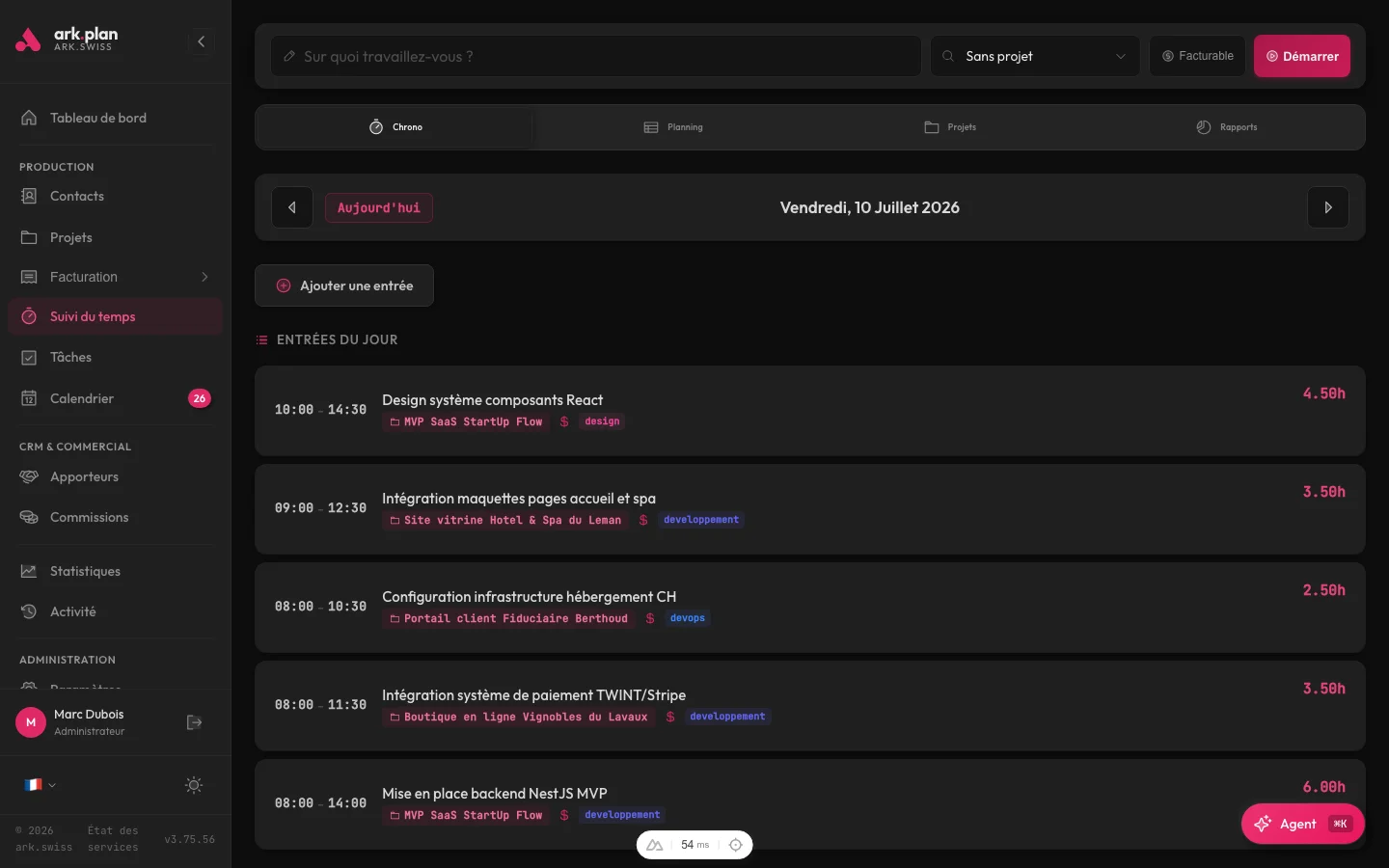
Replaces Calendly, HubSpot, Toggl and bexio. No more data scattered across five different tools.
AES-256-GCM encryption, httpOnly sessions, CSRF protection, rate limiting. Bank-grade security.
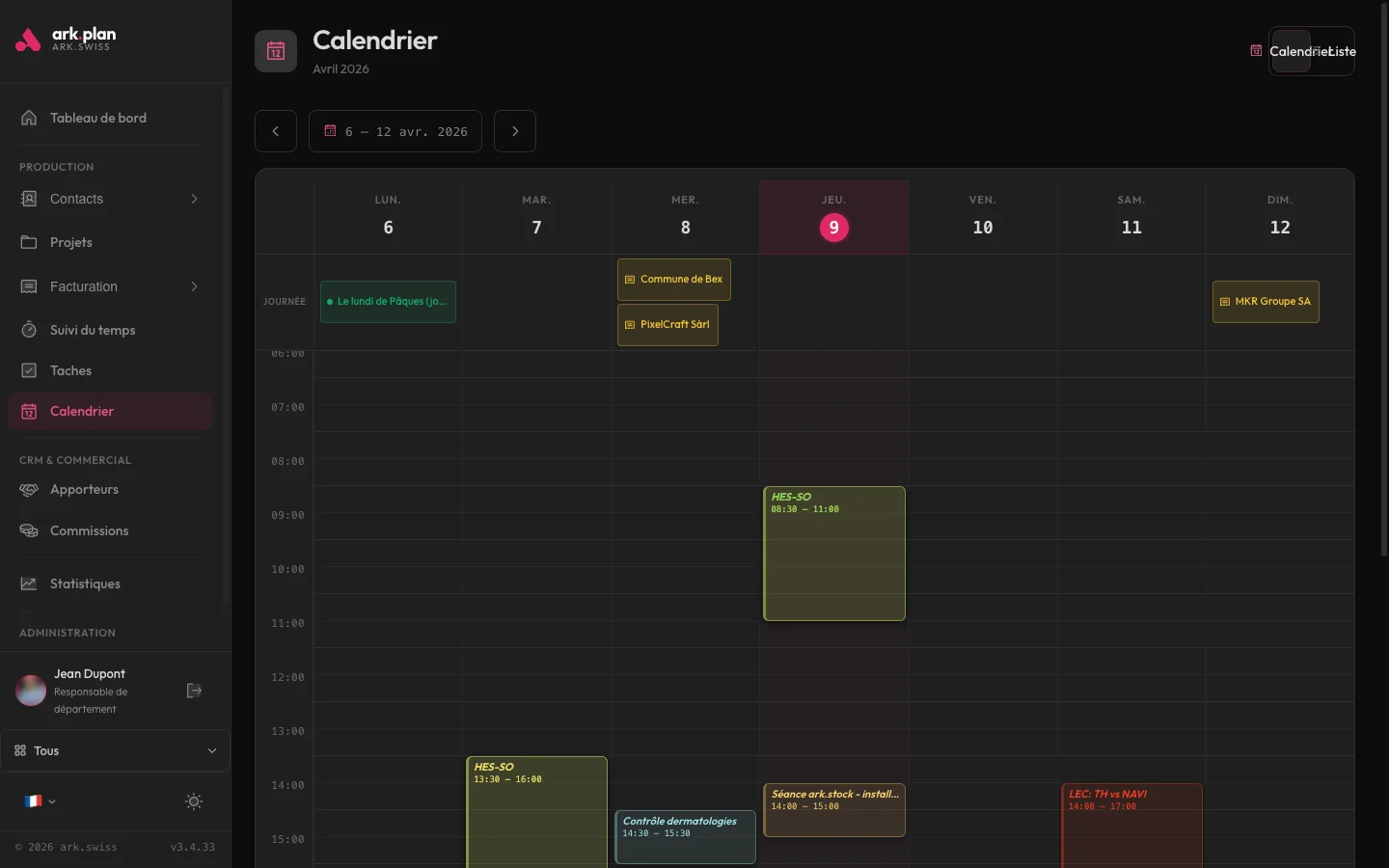
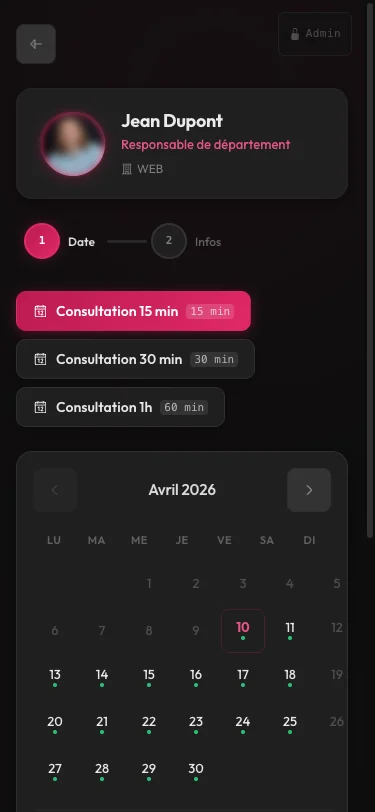
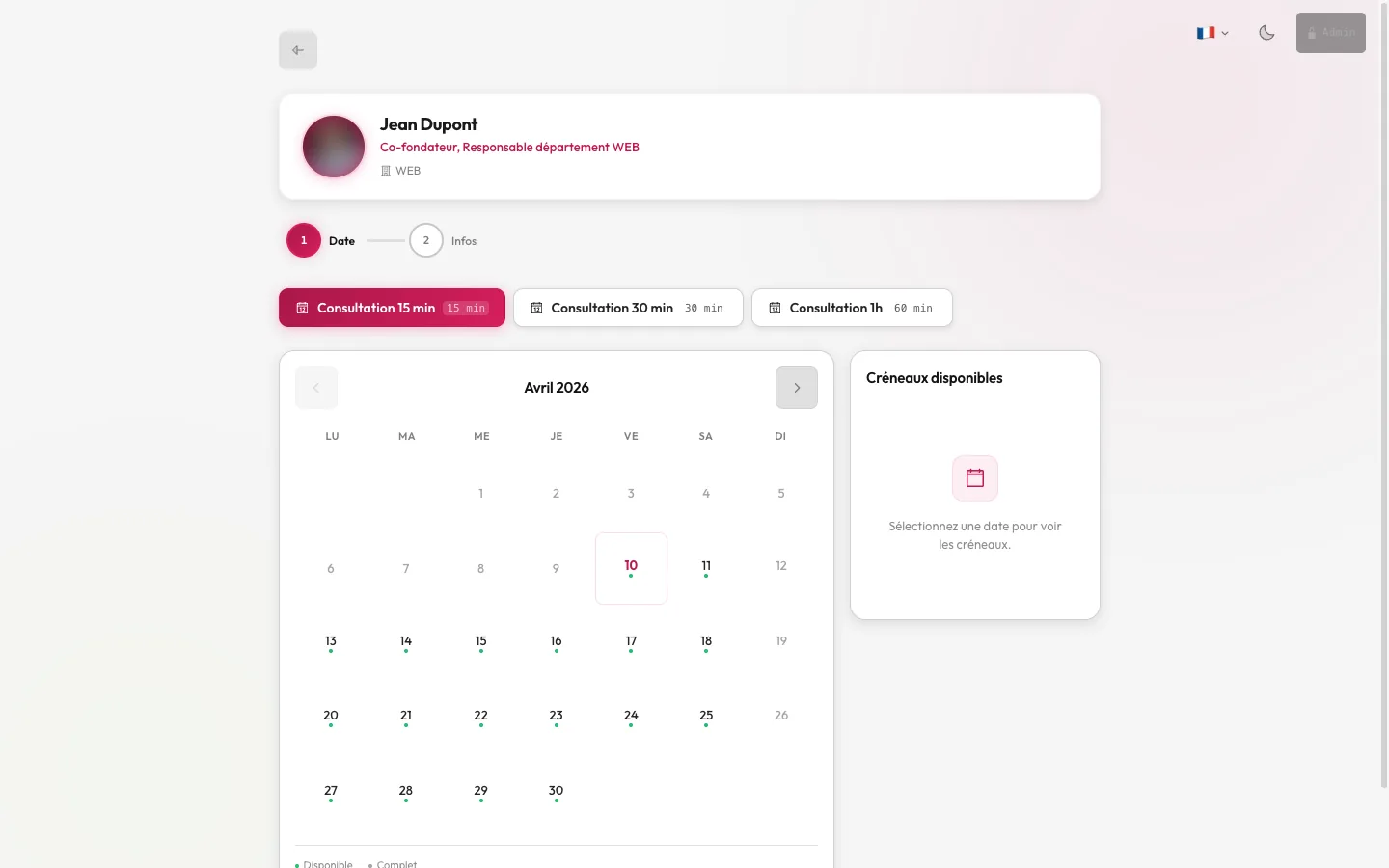
An elegant, mobile-first and customizable booking page. Bidirectional Google Calendar sync, automatic reminders, iOS/Android push notifications. Zero friction for your clients, zero double-booking for you.
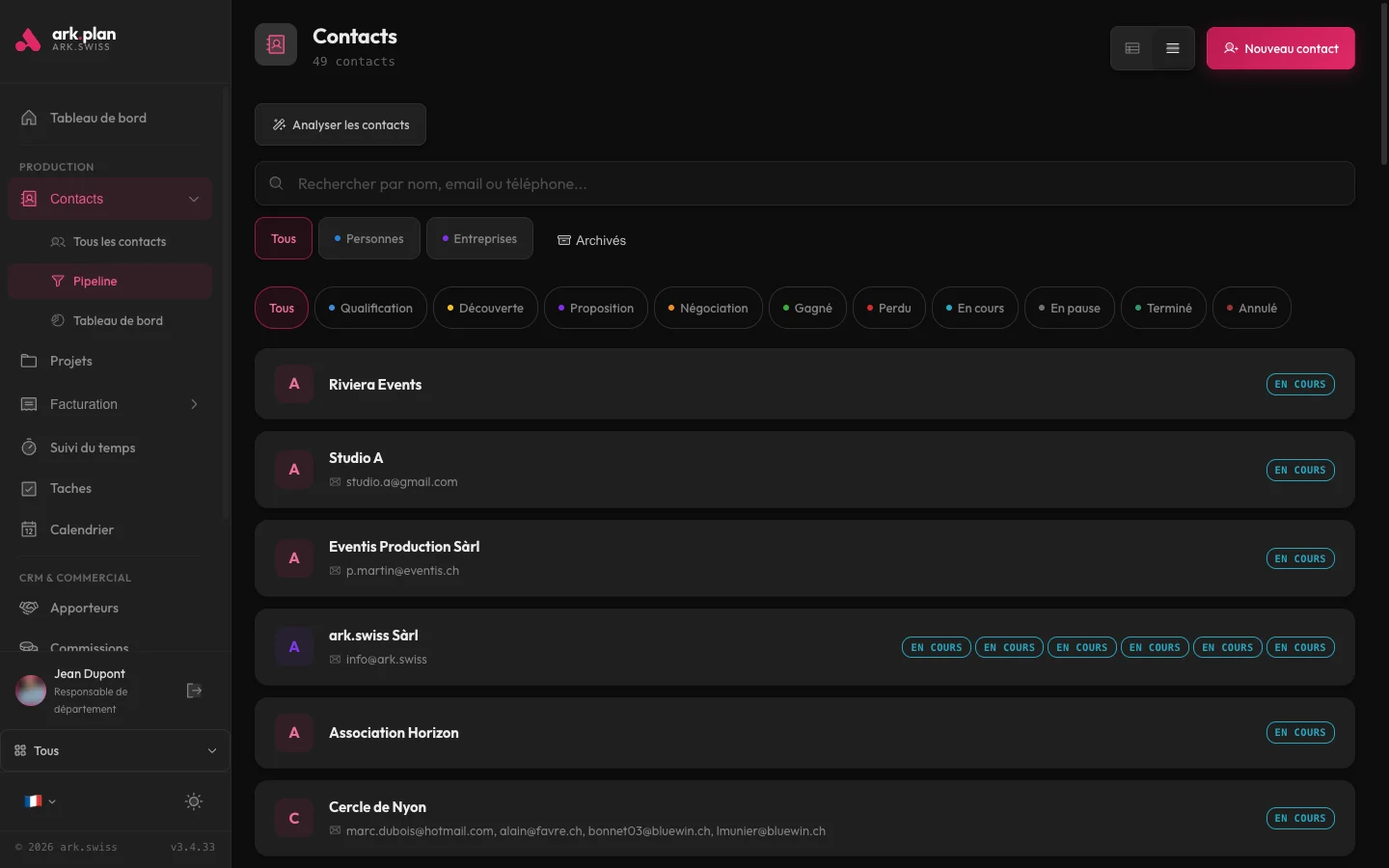
Drag-and-drop visual pipeline, enriched contact records, full interaction history, tags and segmentation. All your customer data in one place, with AI that automatically summarizes your exchanges and drafts your emails.
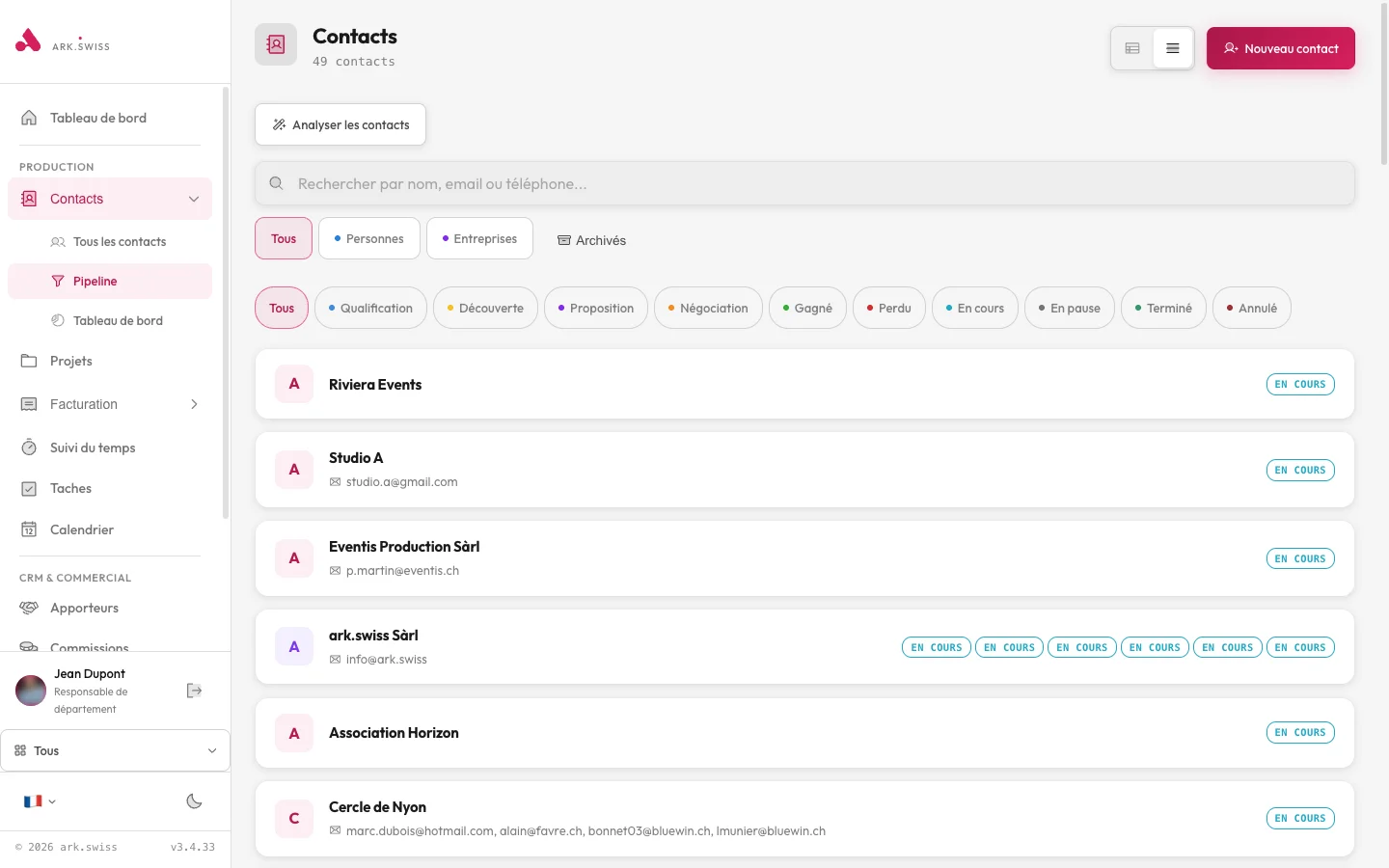
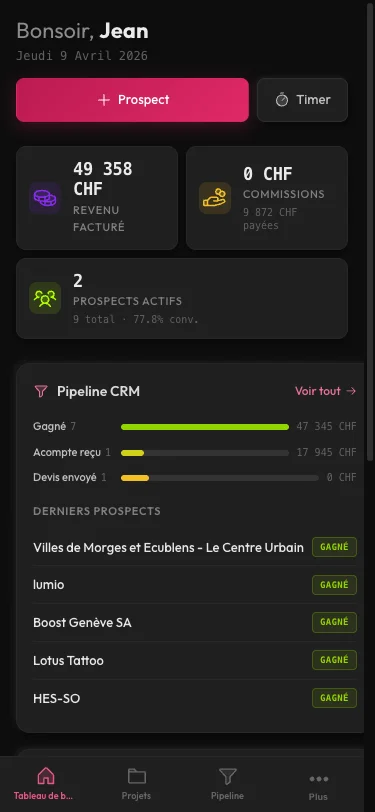
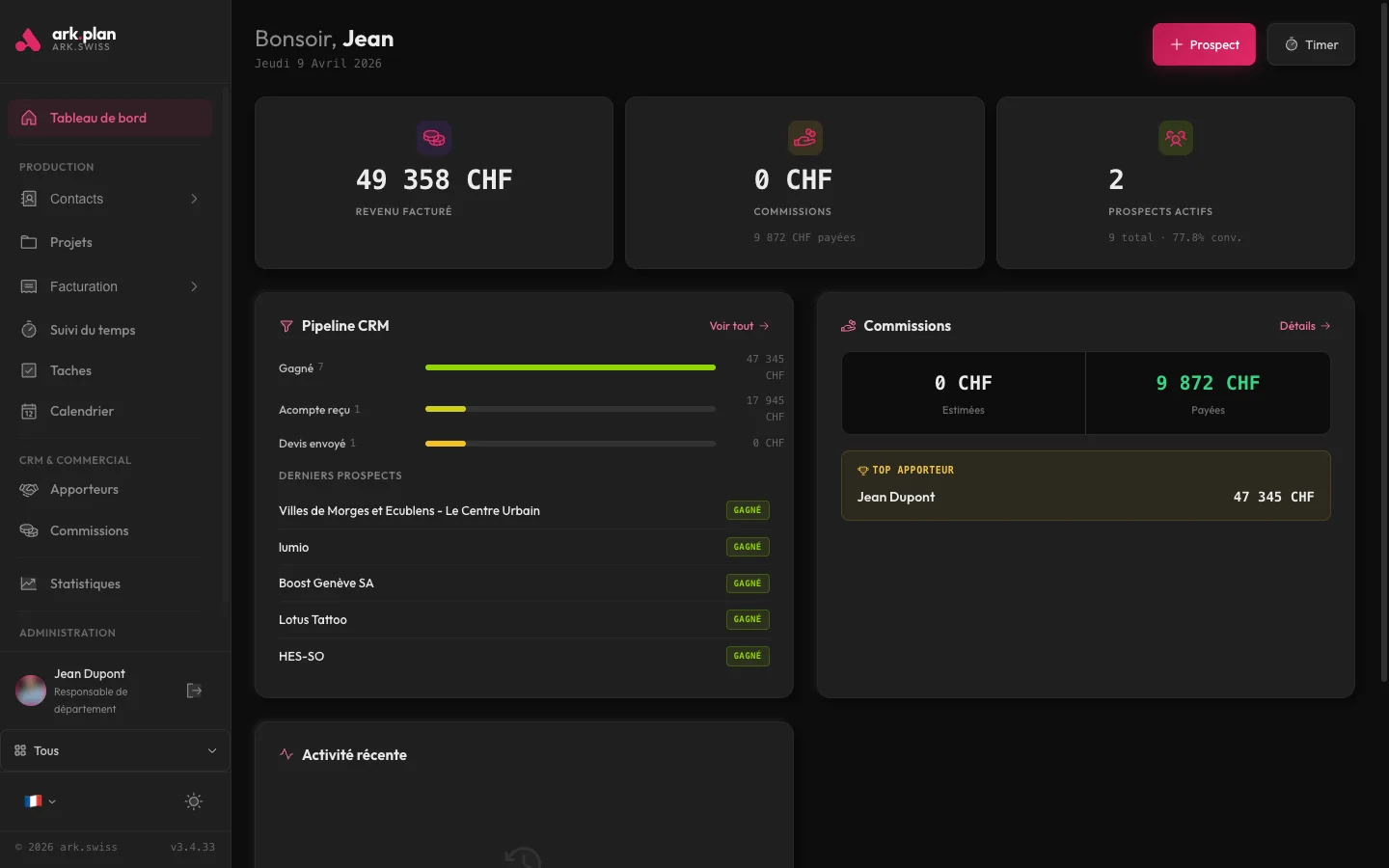
A responsive application that works just as well on mobile, tablet and desktop. Check your calendar on the train, reply to a client between two appointments, invoice from your couch. Everything syncs in real time.
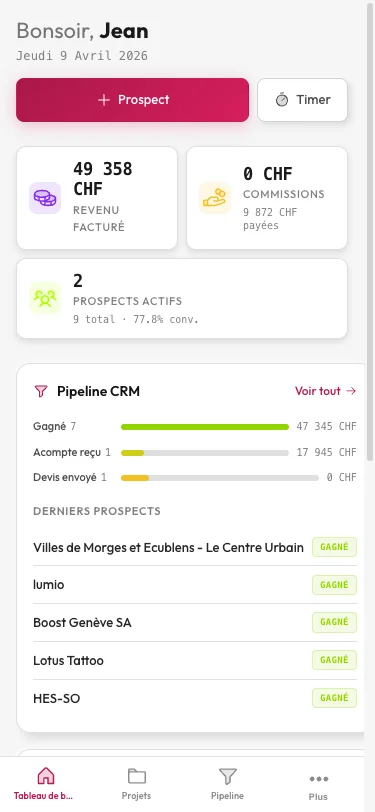
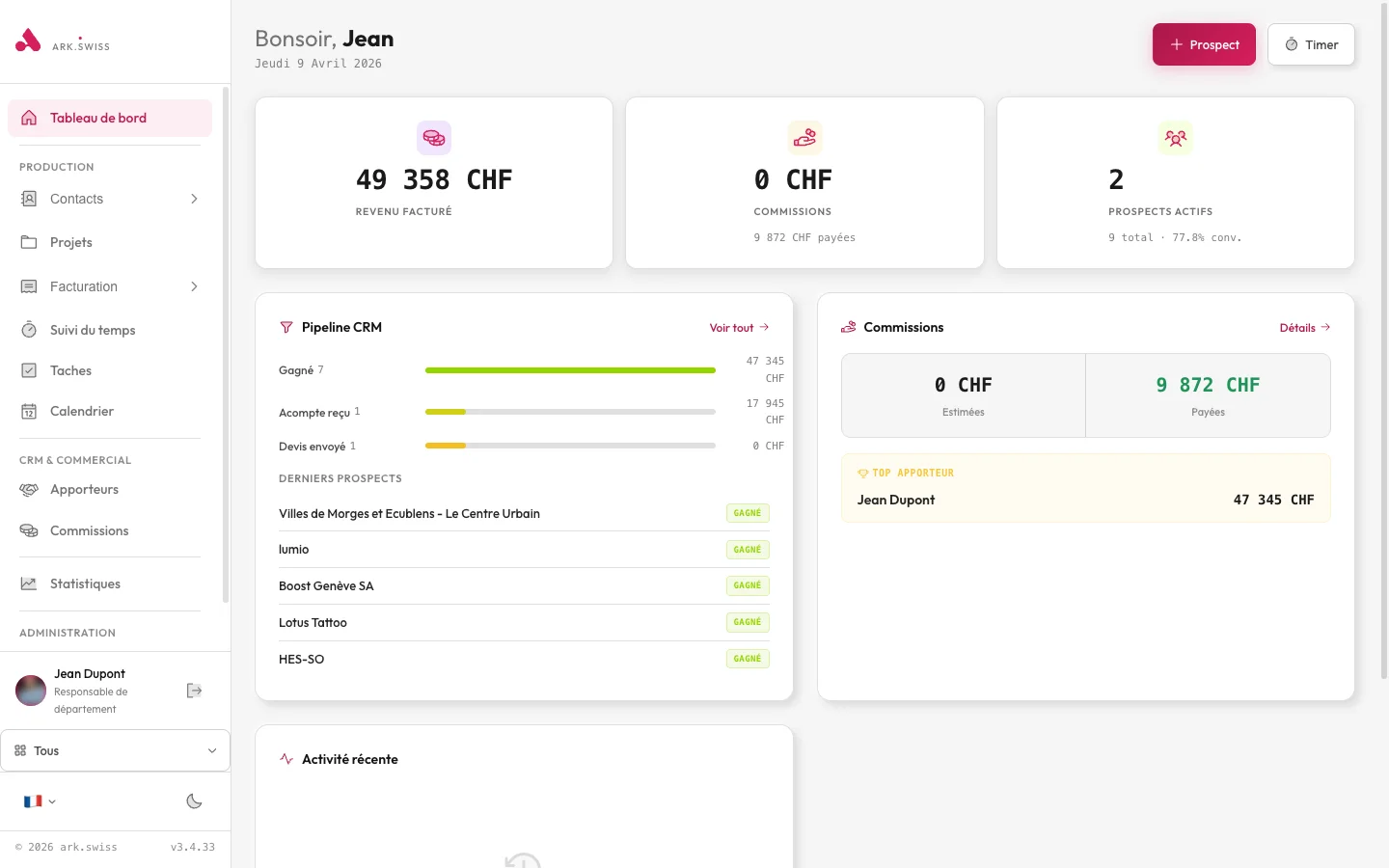
Every screen is designed to minimize clicks and maximize readability. Here's a glimpse of the interfaces your teams will use every day.
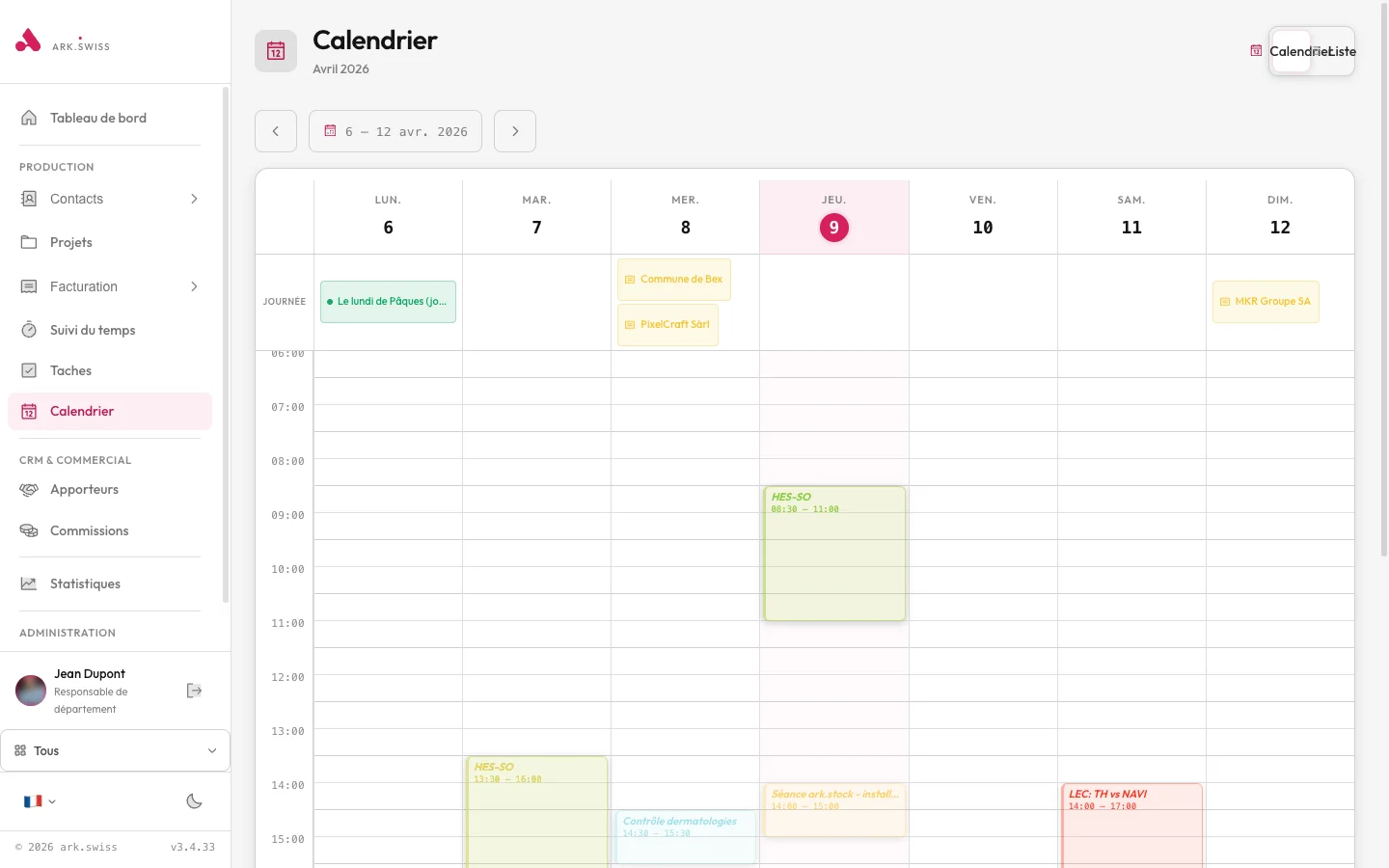
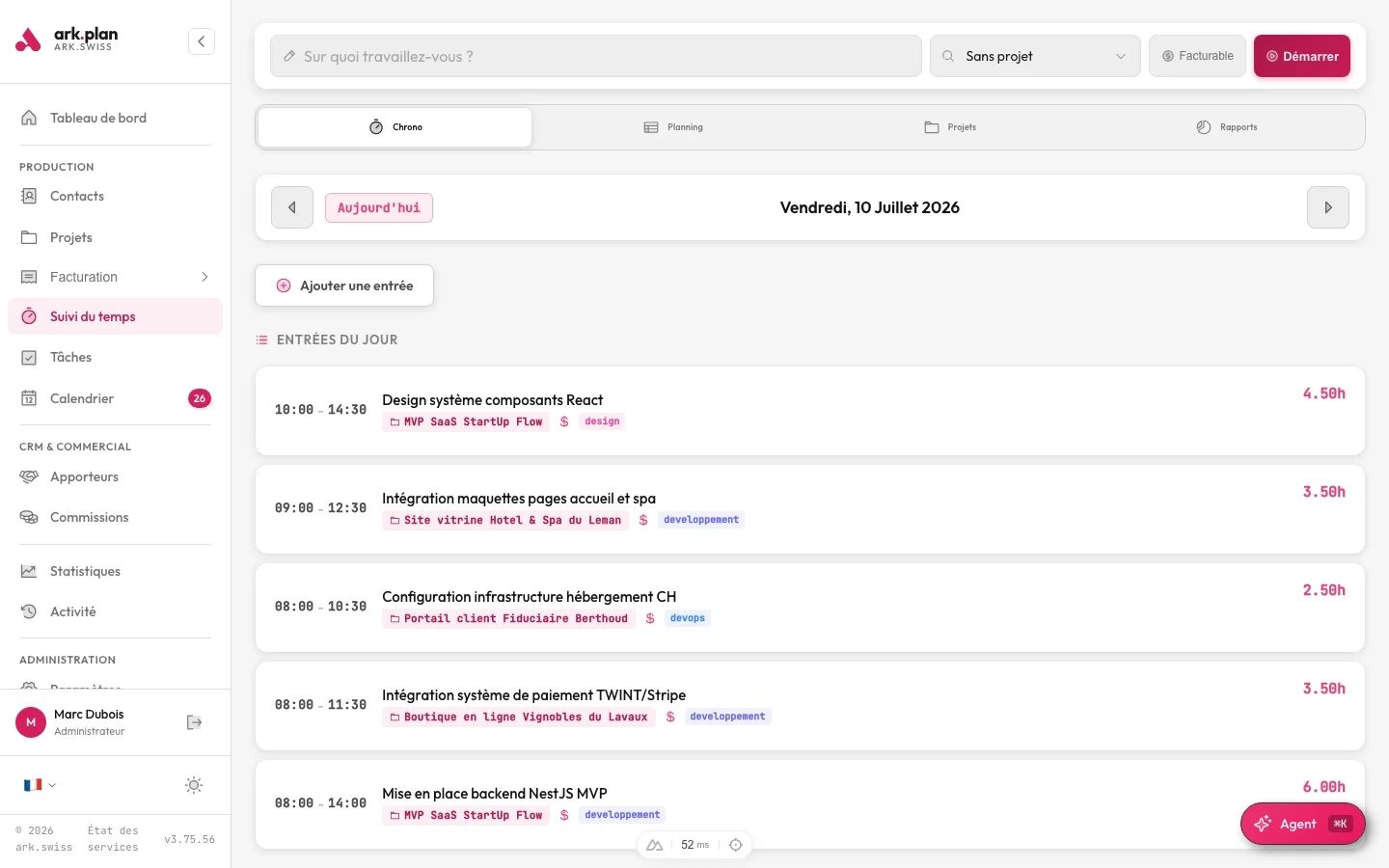
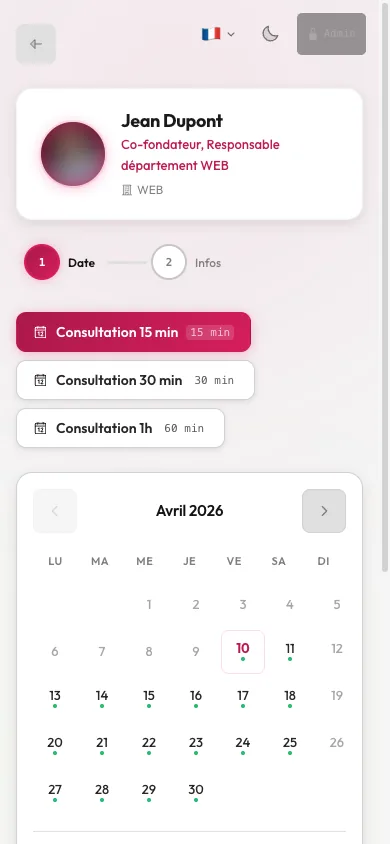
Your clients book, you confirm — the rest is automatic.
Every lead moves forward, none falls through the cracks.
Every project, from quote to payment, in one view.
From quote to payment, professional and automated.
Decide with data, not intuition.
Your tool, your way.
arkplan encrypts all sensitive data with AES-256-GCM and hosts it exclusively at Infomaniak in Switzerland, in compliance with the new Swiss data protection law (nLPD) and European GDPR.
No commitment. Cancel anytime. Monthly billing.
Contact, CRM and time tracking. Perfect to get started.
Adds invoicing, tasks, calendar and analytics.
Everything included: AI XLS import, documents, integrations.
Create your instance in minutes. First month free.