Media library
Find the files linked to your work.
Organise files and find the documents needed for your work.
Video transcript
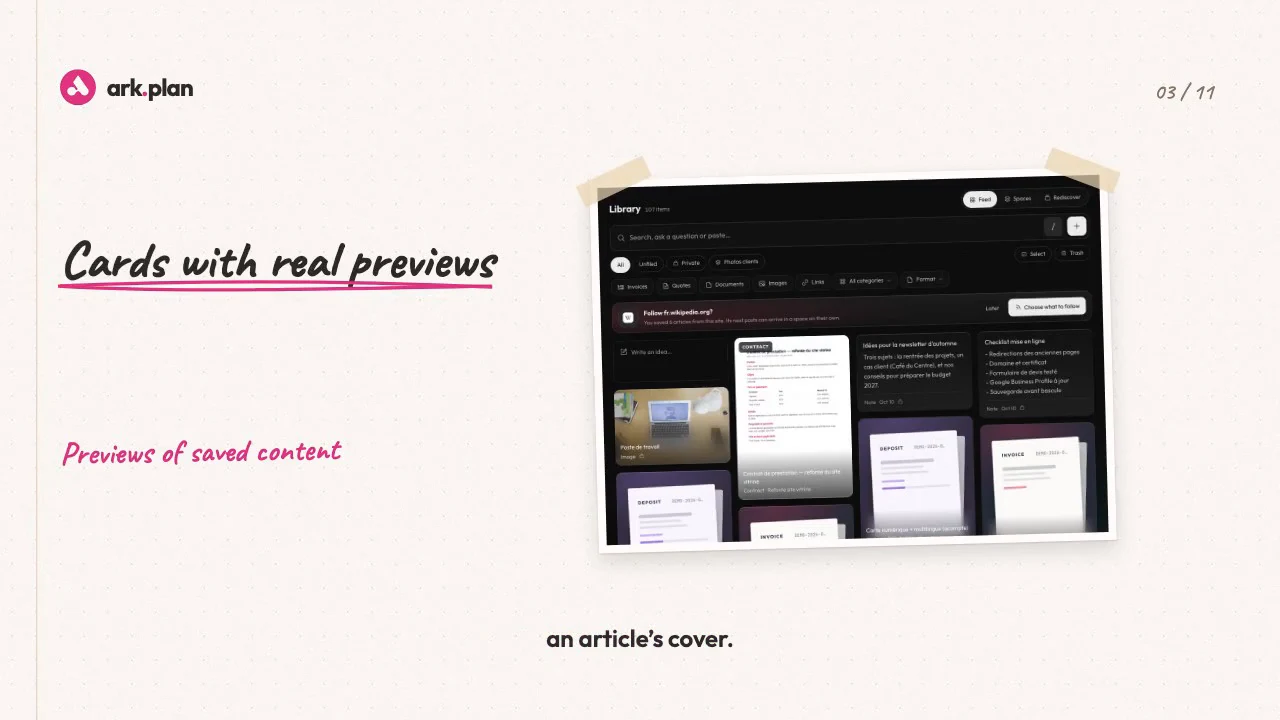
Links in your bookmarks, screenshots on your desktop, PDFs in your inbox. The Library gathers it all. Paste a link, drop an image, share from your iPhone, or save a page with the Chrome or Safari extension. Old bookmarks import in one go. Every item keeps its real face: a PDF page, a link preview, an article’s cover. Saving articles from the same blog again and again? The Library offers to follow it, and new articles arrive on their own. No time to read? An AI voice reads it to you, in the tone and speed you like. Tap a paragraph to resume there. A German article? It’s translated as it’s read. To find something, type it the way you think it: each word becomes a filter. Ambiguous word? You choose once, it remembers. Ask a question: amounts are calculated from your data, AI words the answer and cites its sources. Filed Figma links in the same project twice? It suggests a rule, and the next ones file themselves. Each week, finds you’d forgotten resurface. And a selection can be shared by link: no account needed, revocable anytime. Alone, it organises your ideas. With Invoicing or the CRM, your quotes, invoices and projects join in. ark.plan, Library. What you keep, you find again.
Paste, drop or share from your iPhone.
A link, screenshot or text pasted on the page is added at once. On iPhone, a shortcut adds from the Safari, Photos or Files share sheet.
- Duplicates flagged, 30-day trash
- Import bookmarks from your browser or Raindrop
- iPhone key limited to adding, revocable at any time
Each project keeps its space, with no double entry.
Project files, generated PDFs and filed media appear in its space. File the same kind of link twice and ark.plan suggests a rule. Review shows you 10 unfiled items a week.
- Spaces: saved and pinned searches
- Google Drive folders linked to the project
- Rights checked on every read: invoices stay with Invoicing users
Media library
200 MB of storage. Unlimited users, AI included. Prices excl. tax. Also included in Starter, Pro and Business.
CHF 9/monthor CHF 90 a year
Choose my modulesTry it with your next client.
Choose a module or a bundle, then invite your team.