Prospecting
Qualified prospects, messages you approve.
Find companies, prepare messages you approve and follow every reply through to the meeting.
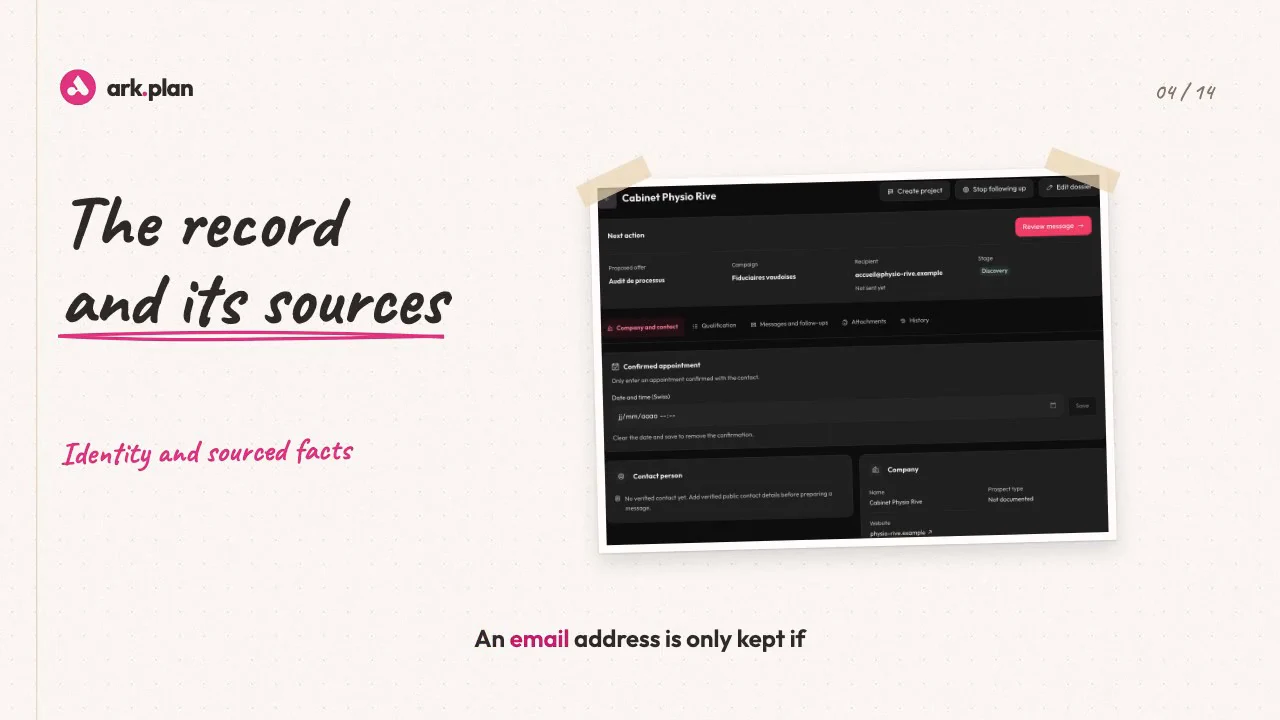
Video transcript
My prospecting? A spreadsheet, copy-pasted emails, and follow-ups I forget. In ark.plan, it all starts with a campaign: a target, a region, the contacts you’re looking for, and your offer. Run the search: AI suggests matching companies, and every search leaves a report: retained, duplicates, excluded. Already have your list? Import it. Duplicates and excluded companies are set aside automatically. Every prospect gets its own dossier. An email address is only kept if it’s published, with the link to prove it. And anything uncertain is shown as uncertain. The qualification explains itself: the criteria assessed, a confidence level, and a concrete proposal for this company. Your offers live in a catalogue, each with its own writing guidance. Prepare the email: the first message is written by AI, from the qualification and the offer, in a human tone. Add an instruction, and it rewrites it. All three follow-ups are written at the same time, in the same tone, each with its own angle. Attach your PDF catalogue: you’ll see whether it was opened. Nothing goes out without you. Every message is read and approved, and sending stays a separate step. A prospect replies. Your question comes at just the right time: we’ve been thinking about it since the winter. Could you call me on Thursday afternoon? You get a notification. ark.plan suggests a classification, you confirm it, and the scheduled follow-ups stop. Wrong address? Resend the same message to the right one, without losing the history. Every morning, To review shows you what to do. And the results stay honest: a reply rate, with the real numbers behind it. The prospect is interested? One click, and the dossier becomes a project, history included. ark.plan, Prospecting. Quality before volume.
One audience, one offer, one search.
Describe the campaign audience and offer. ark.plan searches the public web, reads each company website and keeps only those that publish an email address and match your offer. The search creates dossiers to review; it sends no message.
- Capped budget for each search
- Report: companies kept, excluded and cost
- Duplicates and excluded addresses filtered out
- Import of your CSV lists
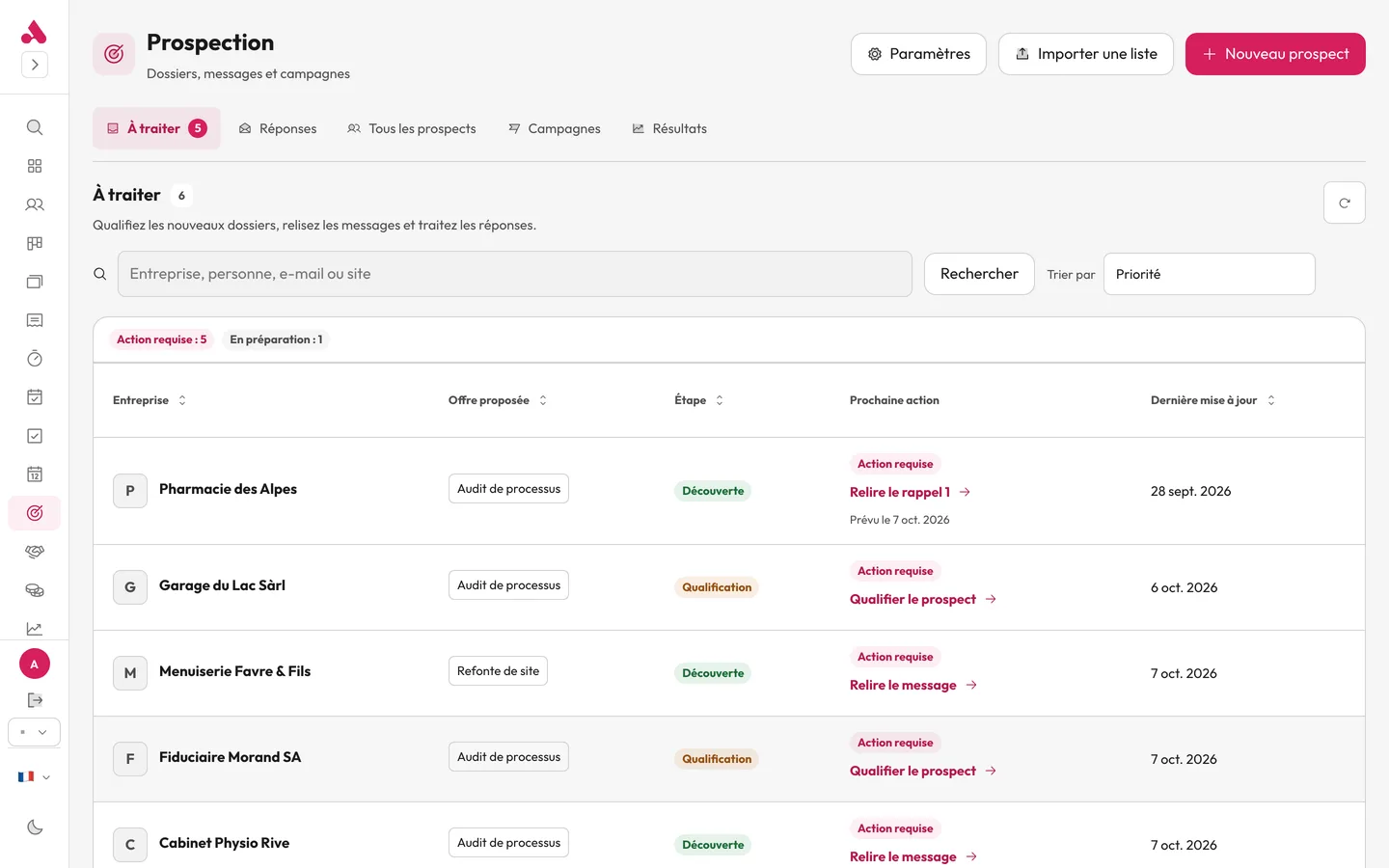
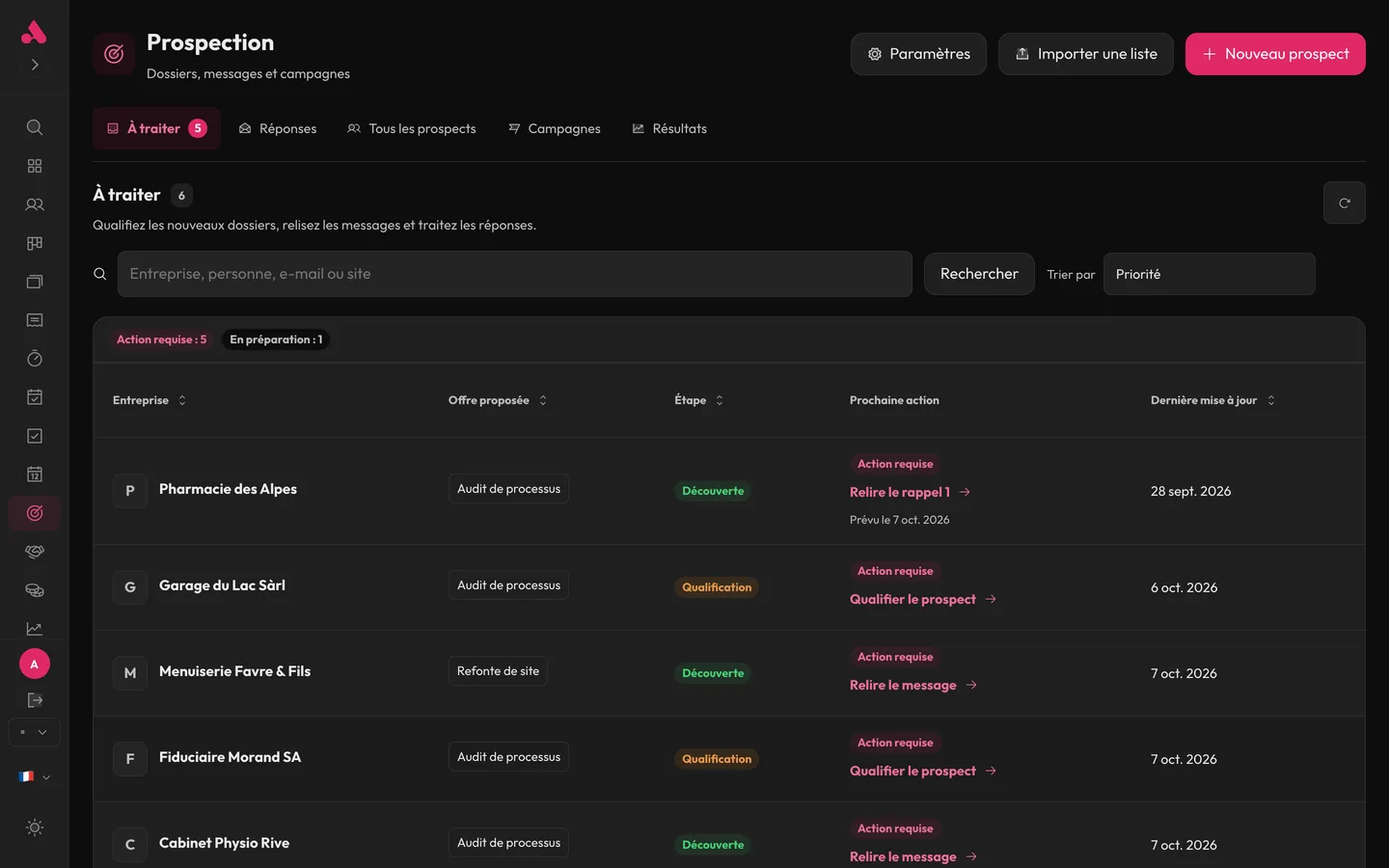
Every prospect comes with its sources.
The dossier brings together the company, the recommended contact and the pages consulted. A summary sets out the finding, the proposal, the points to check and a confidence level.
- Pages consulted, linked directly
- Contact details verified or to confirm
- Swiss UID and VAT number
- Published contact restrictions flagged
AI drafts. You review, approve and send.
The first message builds on the qualification and the offer chosen from your catalogue, with your tone guidelines. You approve the exact text; sending remains a separate click.
- Offer catalogue and writing guidelines
- New version from a single instruction
- Up to five attached PDFs per dossier
- No sending without human approval
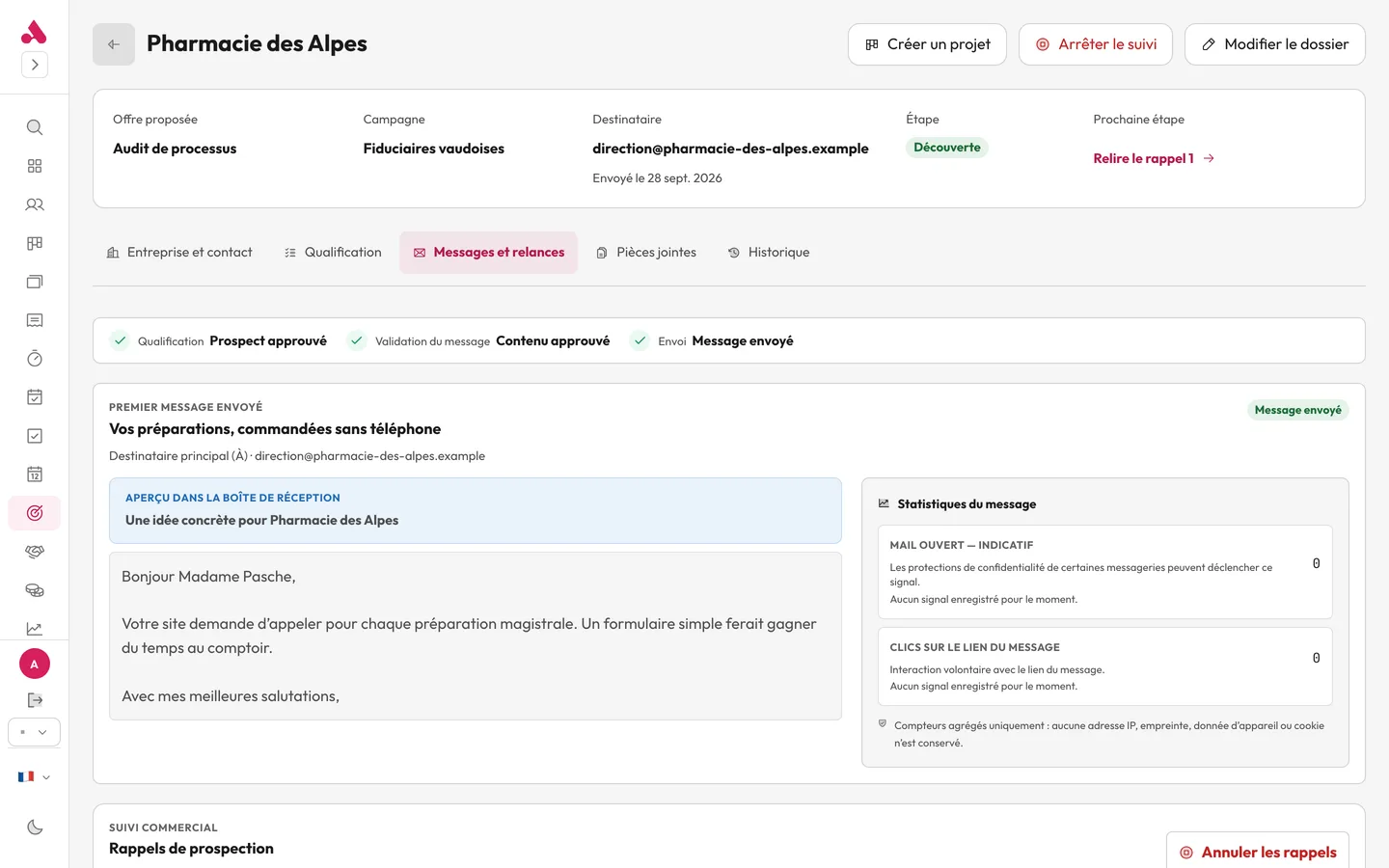
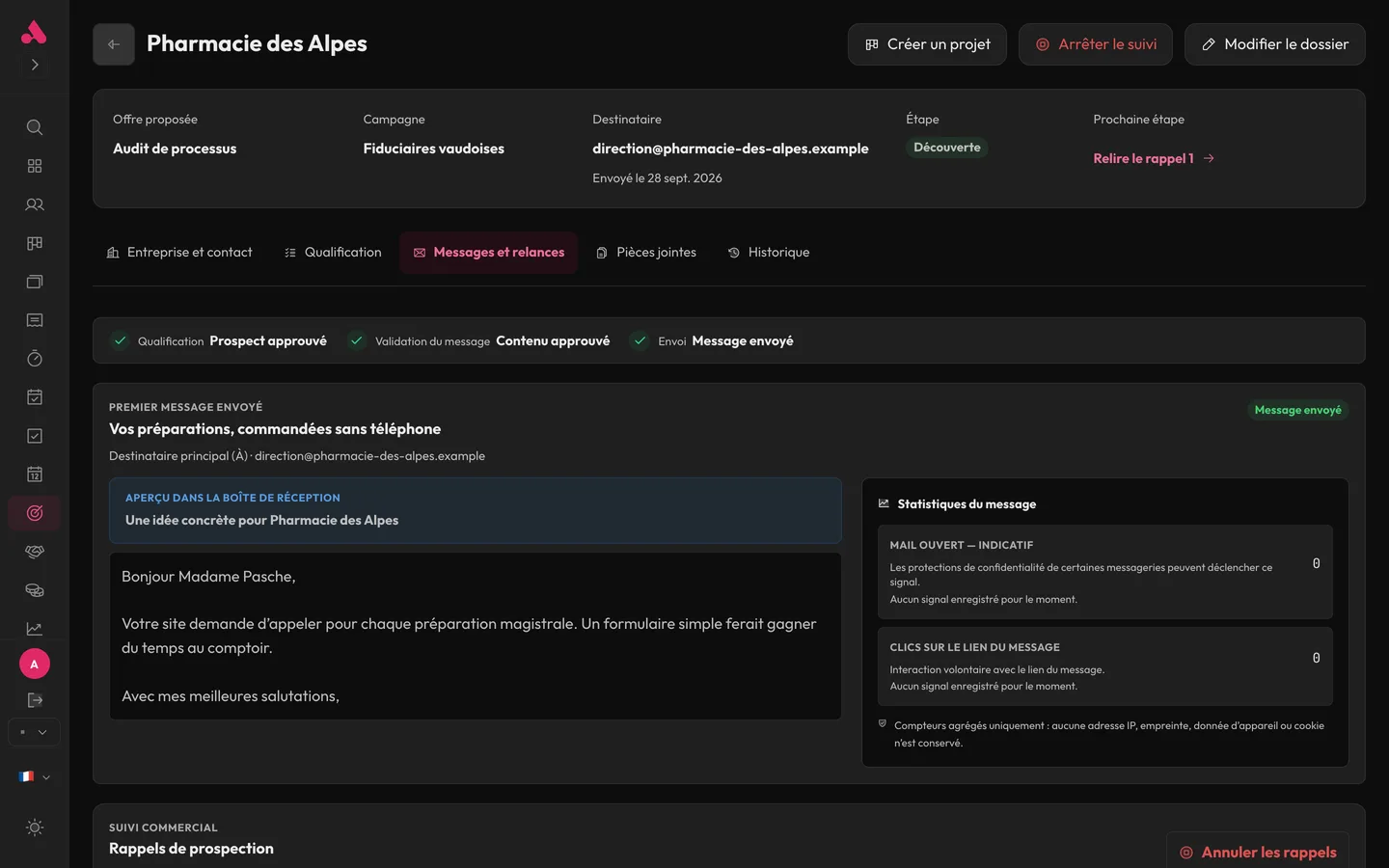
Follow-ups and replies no longer get lost.
Follow-ups go through the same approval as the first message. Incoming replies are flagged and sorted by a suggestion you confirm. A confirmed meeting is recorded in the dossier.
- Unread replies flagged
- Suggested classification, confirmed by you
- Stop follow-up, history kept
- Resend to a corrected address
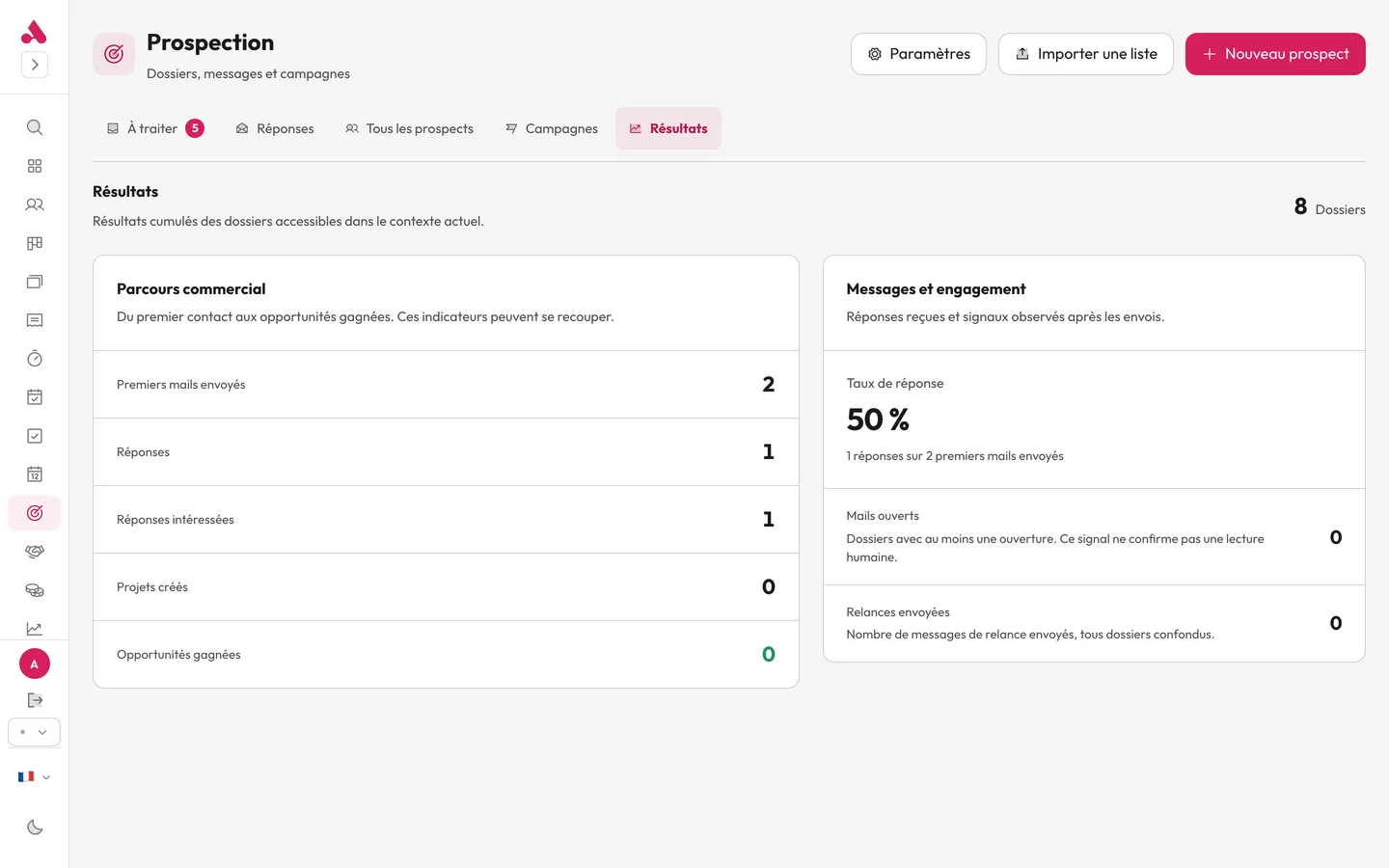
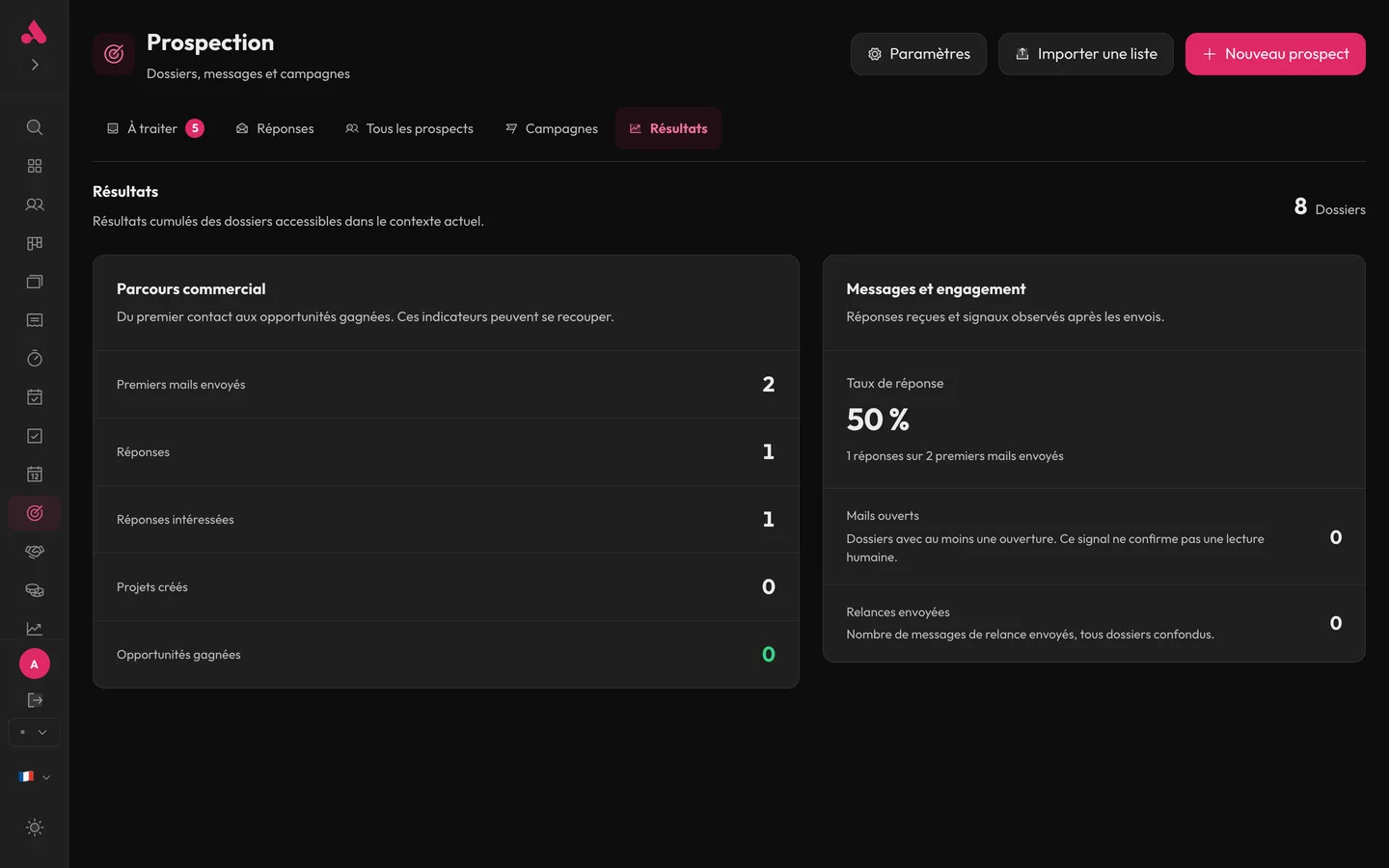
You know which campaign works.
By campaign and period: first messages, opens, replies, interested replies, confirmed meetings, projects created and opportunities won. Sending health checks your mailbox and DNS, and limits daily sending.
- Results by campaign
- Confirmed meetings counted
- SMTP, SPF and DMARC check
- Sending limits per account and instance
Prospecting
200 MB of storage. Unlimited users, AI included. Prices excl. tax. Also included in Business.
CHF 29/monthor CHF 290 a year
Choose my modulesFrequently asked questions
Can a message be sent without me?
Where do prospects come from?
Is AI included?
Can I see the module before choosing?
Try it with your next client.
Choose a module or a bundle, then invite your team.